
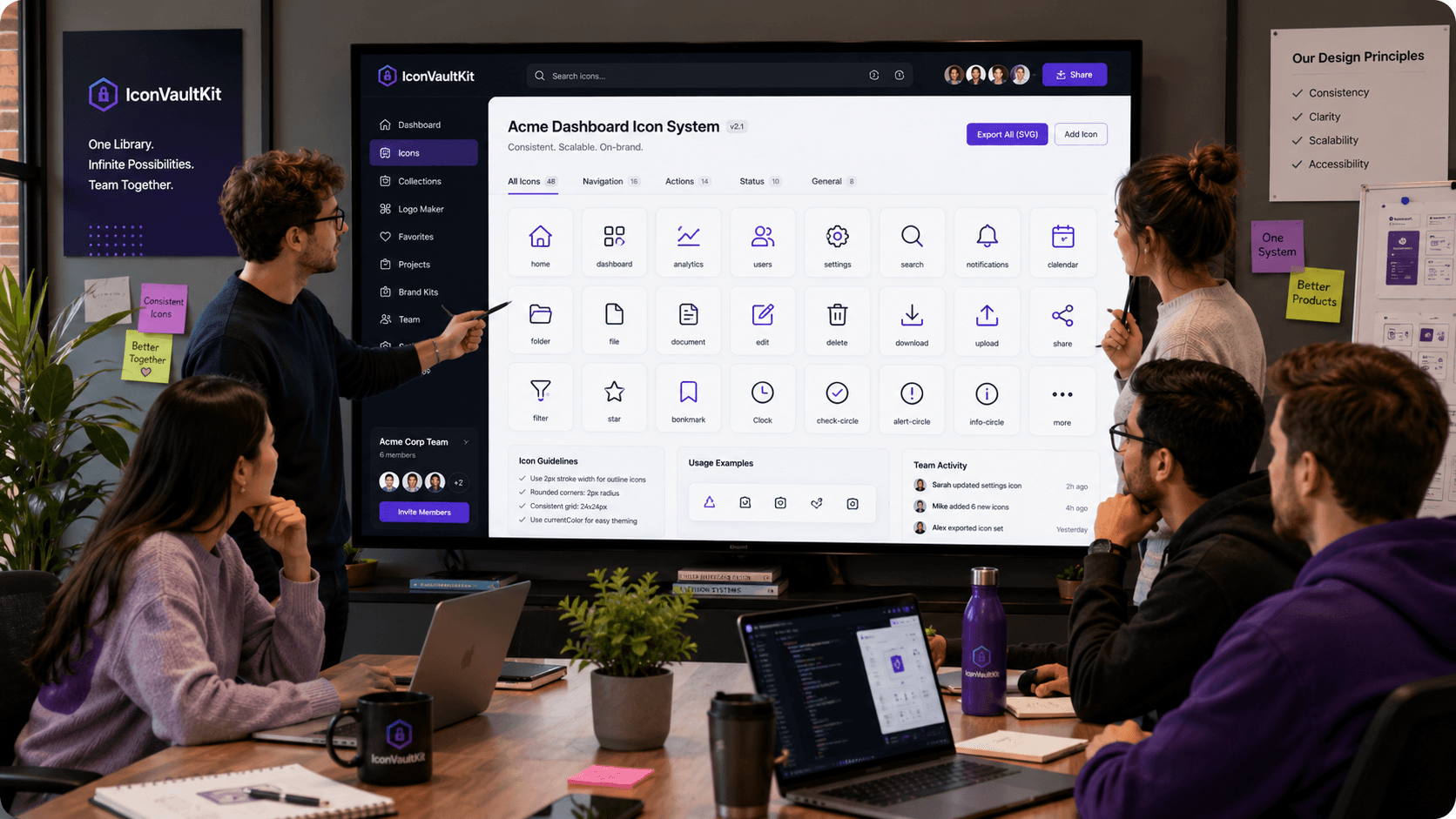
The Team Icon Problem
Nothing derails visual consistency faster than a team working without a shared icon standard. Designer A uses Heroicons. Developer B grabs icons from Google Fonts. Designer C uploads a custom SVG from Flaticon. The result: an inconsistent patchwork that users instinctively feel is 'off,' even if they can't articulate why.
Building a Team Icon Standard with IconVaultKit
The solution isn't more meetings - it's a shared source of truth. Here's how design teams use IconVaultKit to establish one:
Step 1: Choose the Collection Together
In a short team sync, agree on which IconVaultKit collection you'll use for the project. Review the options together, evaluate style fit against the product's visual direction, and make the call as a team. Document the decision.
Step 2: Establish Color Standards
Define the hex codes that icons will use across contexts. Save these as presets in IconVaultKit. Share the preset values with the team so anyone customizing an icon applies exactly the same colors.
Step 3: Create a Shared Reference Sheet
As the project progresses, maintain a shared icon reference sheet - in Figma, Notion, or even a simple HTML page - showing every approved icon with its name and use case. This is your team's icon bible.
Workflow in Practice
- Designer finds needed icon in IconVaultKit, customizes to brand spec, exports SVG
- Adds it to the shared icon folder (Dropbox, Google Drive, or repo /assets/icons/)
- Updates the shared reference sheet with the new icon
- Developer imports SVG or copies JSX into the codebase
- Both reference the same icon - identical visual output
Team Tip: Use a naming convention everyone agrees on upfront. 'icon-[category]-[name].svg' (e.g., icon-nav-home.svg) prevents duplicates and makes icons findable by anyone on the team.
Why It Works
IconVaultKit's consistency - one search engine, one style per collection, one customization interface - naturally encourages team alignment. When everyone uses the same tool with the same presets, the output is consistent by default.
Conclusion
Great app design is a team sport. IconVaultKit gives design teams the shared language - a common icon library, consistent customization, and easy export - to collaborate without friction. Build better, together.