
IconVaultKit Blog
Design smarter. Build faster.
Icon design tips, SVG export guides, React integration tutorials, and productivity insights for developers and designers.
30 articles
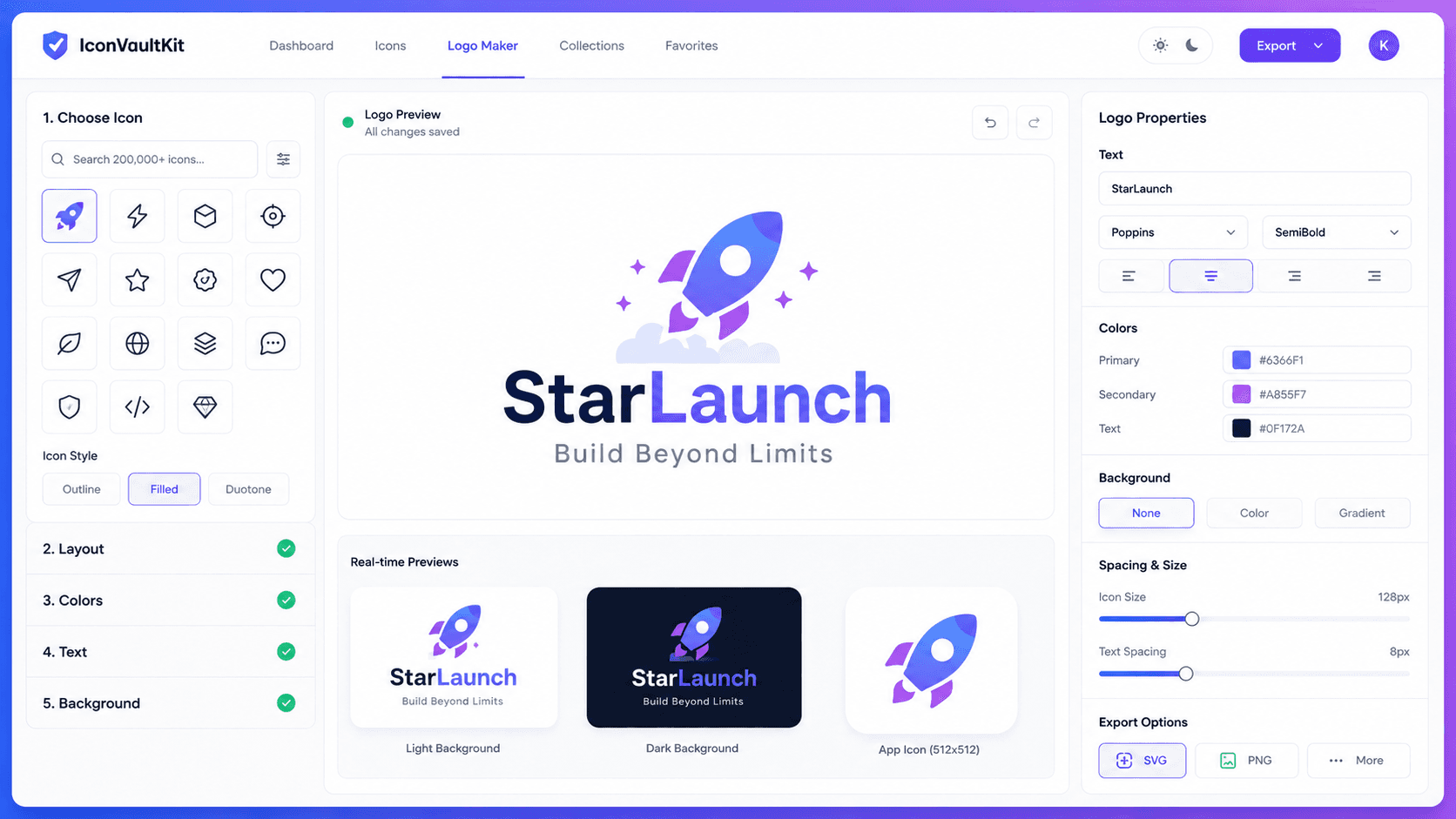
How to Use IconVaultKit's Logo Maker to Craft Unique Branding for Your Web Projects
Your logo is the face of your brand. It's the first thing visitors notice, the visual anchor of your identity, and the mark that sets you apart in a crowded digital marketplace. Yet many developers and designers spend hours wrestling with expensive design tools or settling for generic stock logos that look like everyone else's. IconVaultKit's built-in logo maker changes that completely.
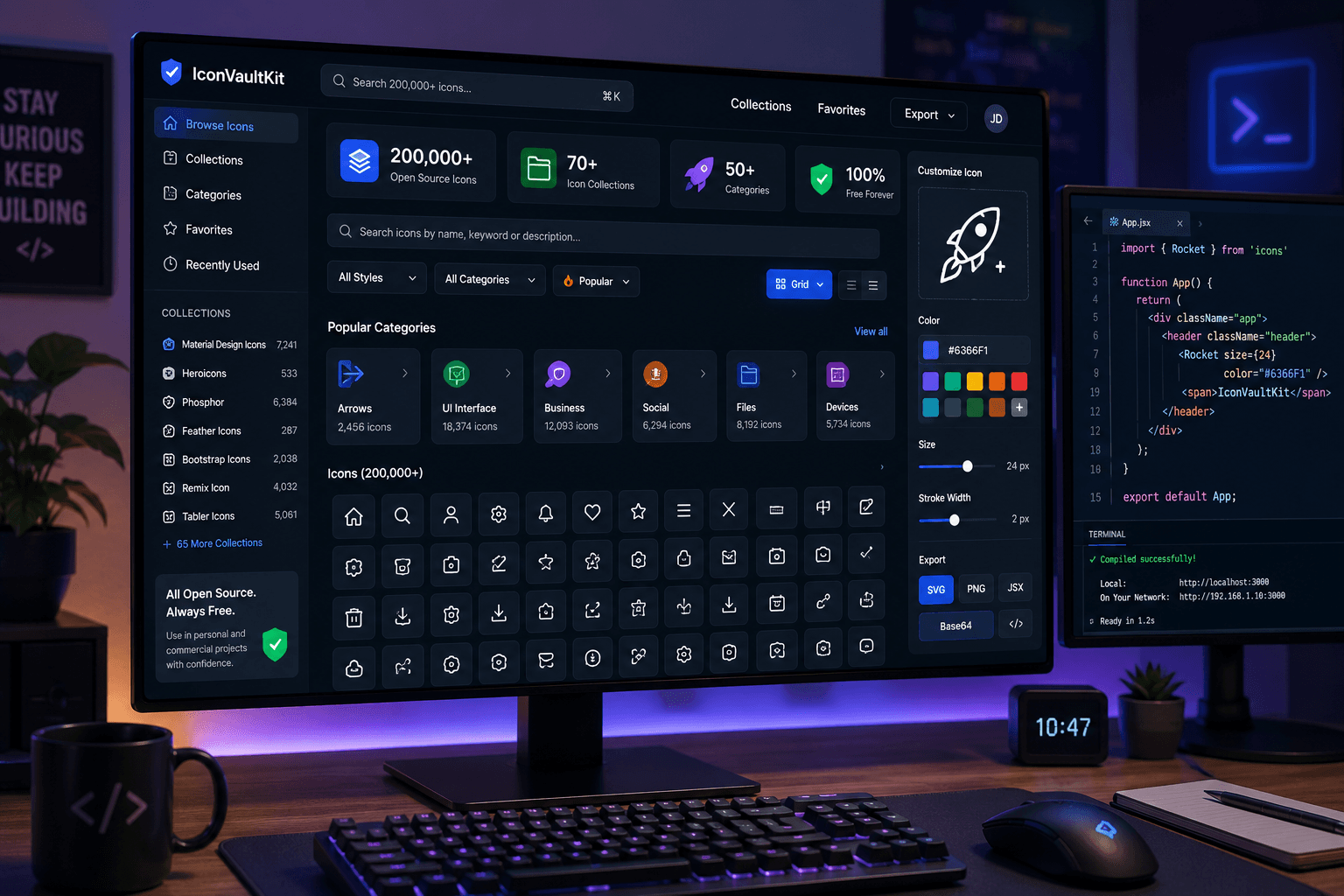
The Benefits of Open-Source Icons: Why IconVaultKit Offers Over 200,000 for Developers
In web and app development, icons are everywhere. They guide users through interfaces, communicate actions at a glance, and add visual polish that elevates the entire user experience. But sourcing great icons has historically been a pain point - expensive subscriptions, restrictive licenses, inconsistent styles, and hours spent searching across dozens of websites. The open-source icon movement changed all of that.
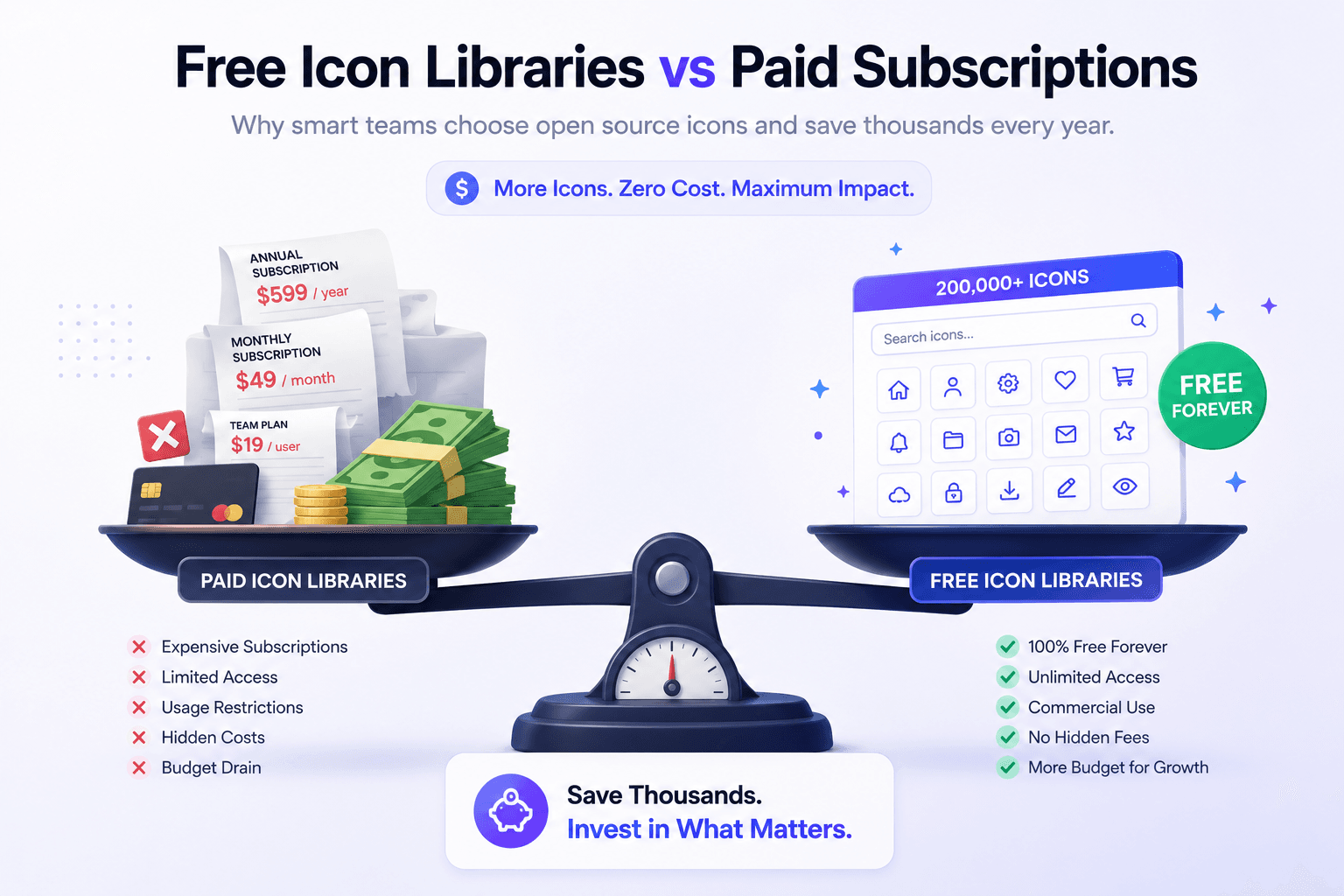
IconVaultKit vs. Paid Icon Subscriptions: Maximizing Your Design Budget with Free Tools
Design budgets are under constant pressure. Between UI tools, asset subscriptions, font licenses, and plugin fees, the costs add up fast. One line item that often flies under the radar: icon libraries. Many teams are paying $100-$500+ per year for icon subscriptions without questioning whether they actually need to. Spoiler alert: they usually don't.
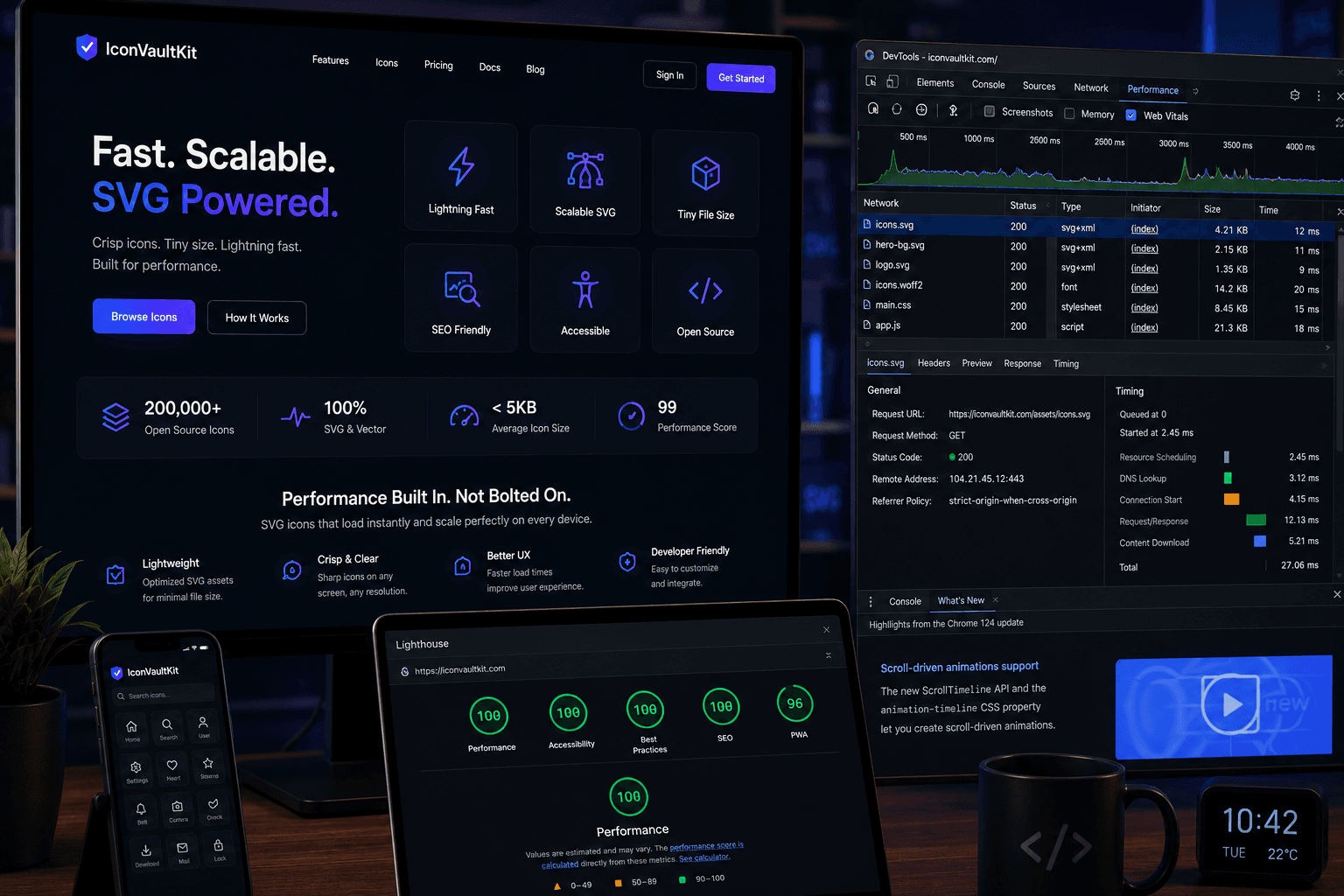
Optimizing Your Website with SVG Icons: A Guide to IconVaultKit's Versatile Export Options
Icons are everywhere on modern websites - navigation bars, buttons, feature sections, social links, form inputs. They're small, but they're everywhere. And how you deliver them to users has a measurable impact on your site's performance, accessibility, and maintainability. IconVaultKit gives developers four export options: SVG, PNG, JSX, and Base64.
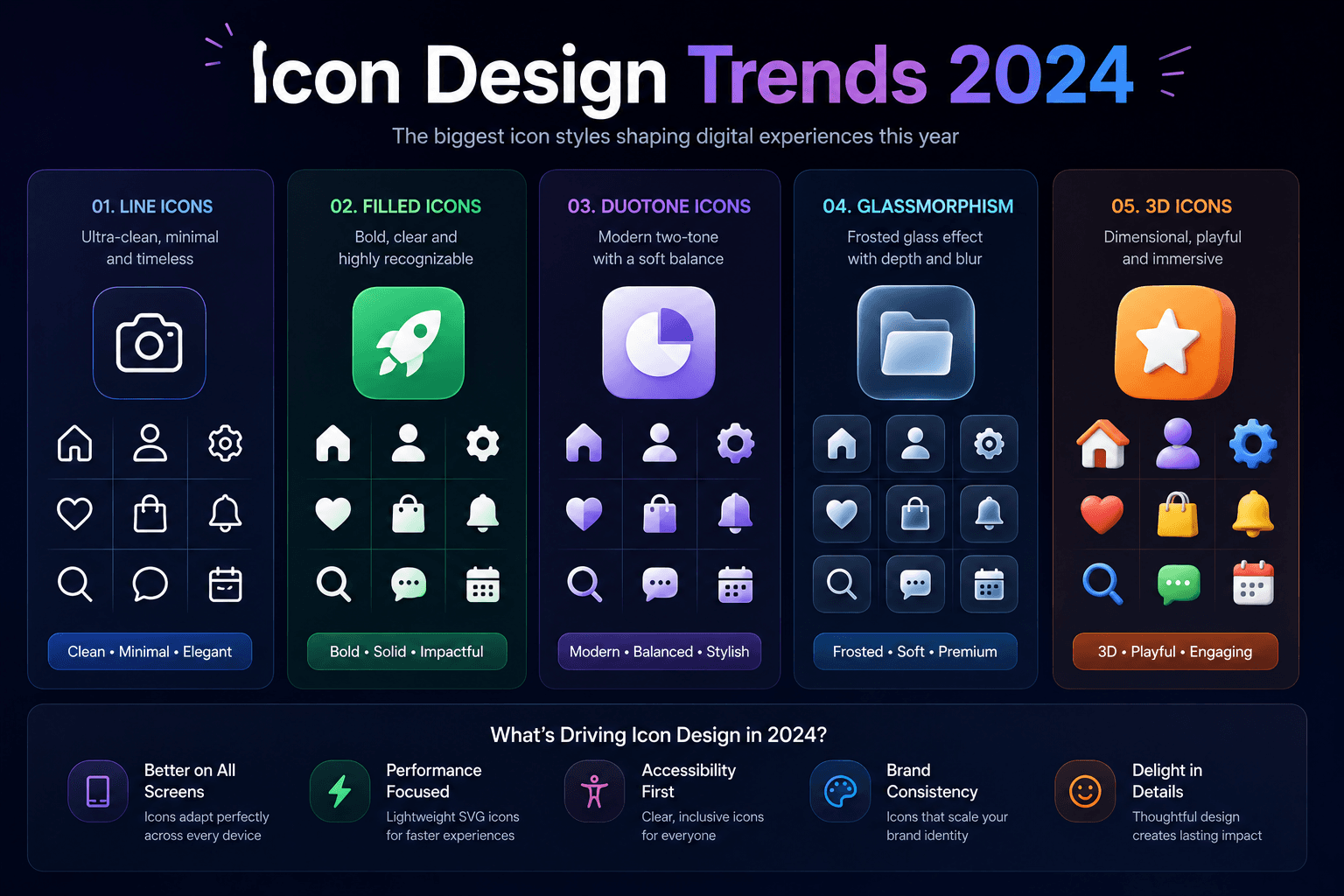
Top 5 Icon Design Trends for 2024 and How IconVaultKit Helps You Implement Them
Icon design isn't static. Like all areas of visual design, it evolves - reflecting broader shifts in technology, user expectations, and aesthetic sensibility. Staying current with icon design trends isn't about chasing trends for their own sake; it's about understanding the visual language your users are already absorbing from the apps and websites they use daily.
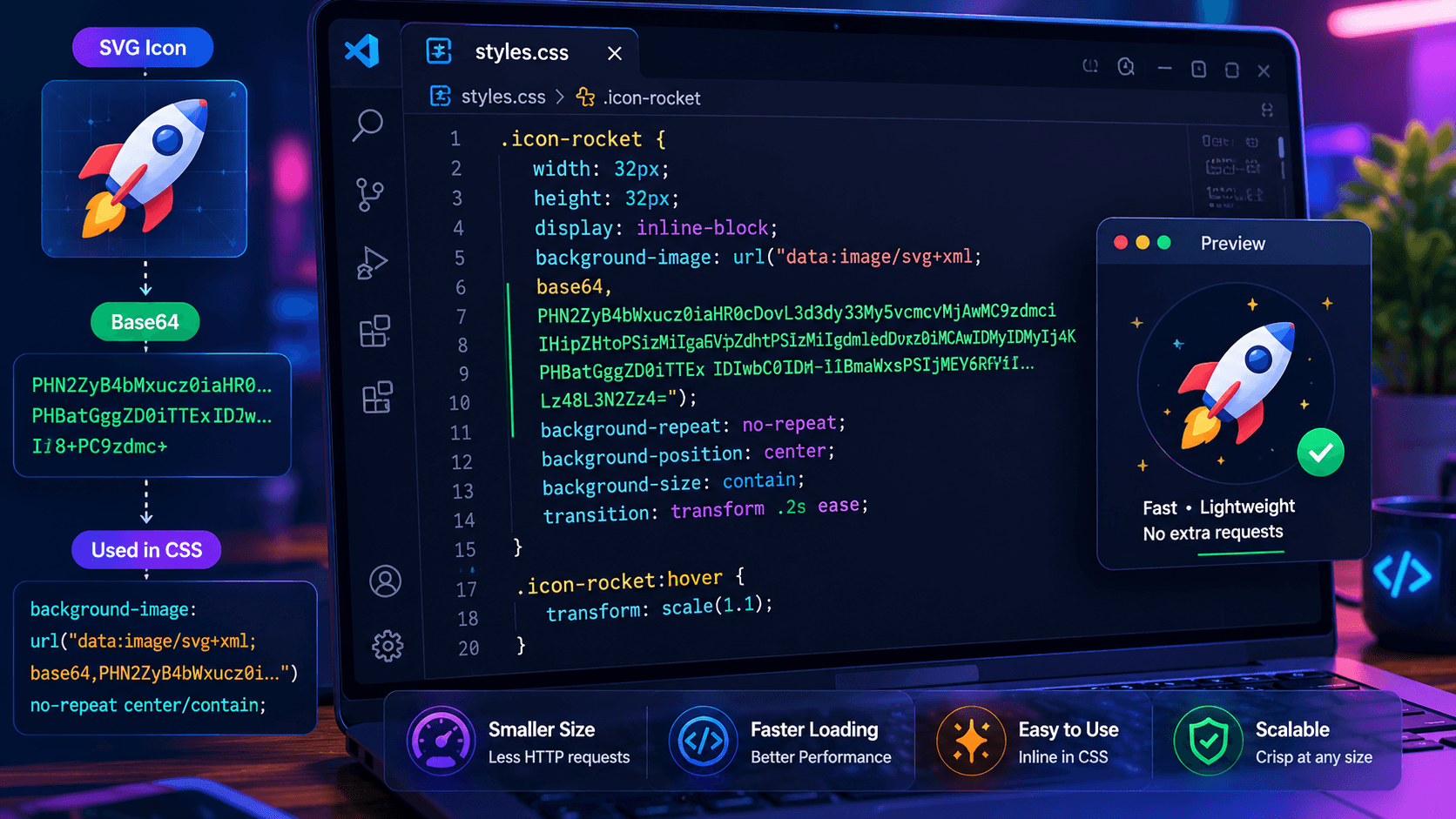
Mastering IconVaultKit's Base64 Export: Enhancing Performance in Your Next Developer Project
Every file request your website makes to a server costs time. For most web pages, dozens of these requests happen in parallel - HTML, CSS, JavaScript, fonts, images, and yes, icons. Reducing the total number of requests is one of the most reliable ways to speed up page load performance. Base64 icon encoding eliminates file requests entirely by converting icon data into a text string that lives directly inside your HTML or CSS.
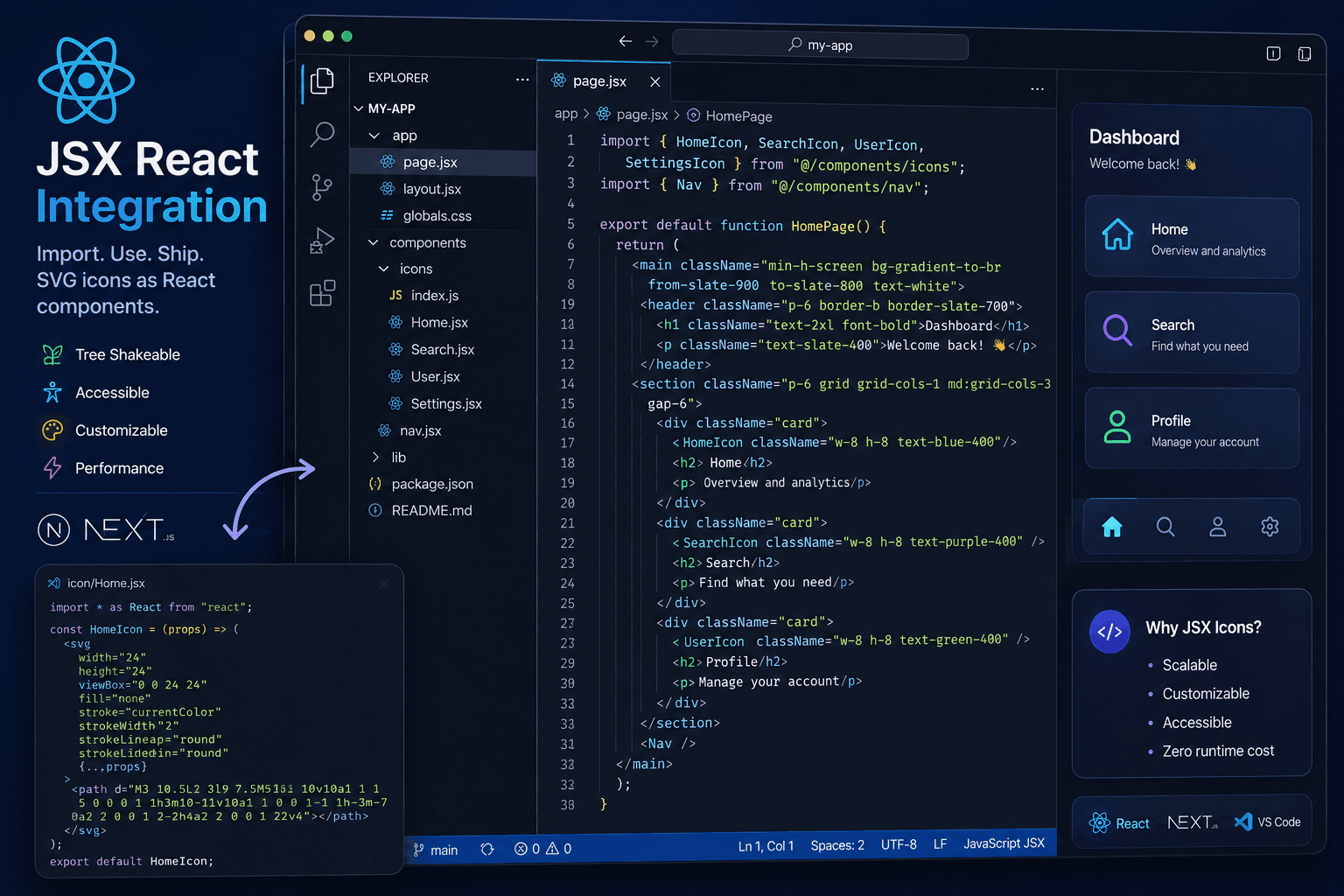
Integrating IconVaultKit Icons into React Projects: Best Practices for Developers Using JSX
React's component model is one of the best things that ever happened to icon management in web development. Instead of scattered image files, you have reusable components that accept props for color, size, and style - making your entire icon system type-safe, composable, and consistent. IconVaultKit's JSX export makes integrating its 200,000+ icons into React projects seamless.
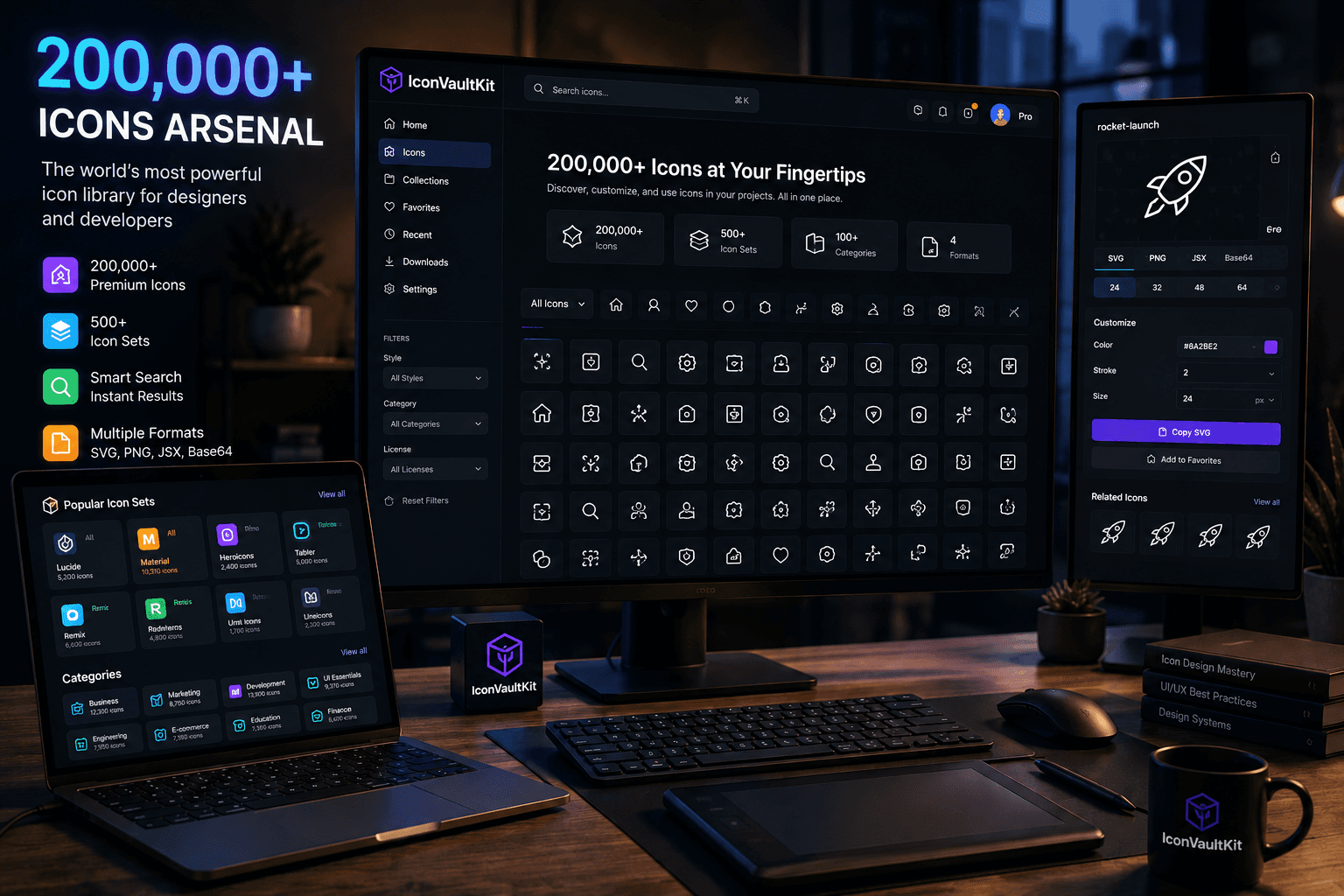
200,000+ Icons Instantly: IconVaultKit - Your Ultimate Dev and Design Arsenal
You're in the middle of building a feature. You need an icon - something specific, like a 'cloud-upload-with-arrow' or a 'notification-bell-with-badge.' You open four browser tabs. You scroll through three different icon sites. Nothing quite fits. The clock is ticking. This is the daily friction IconVaultKit eliminates completely.
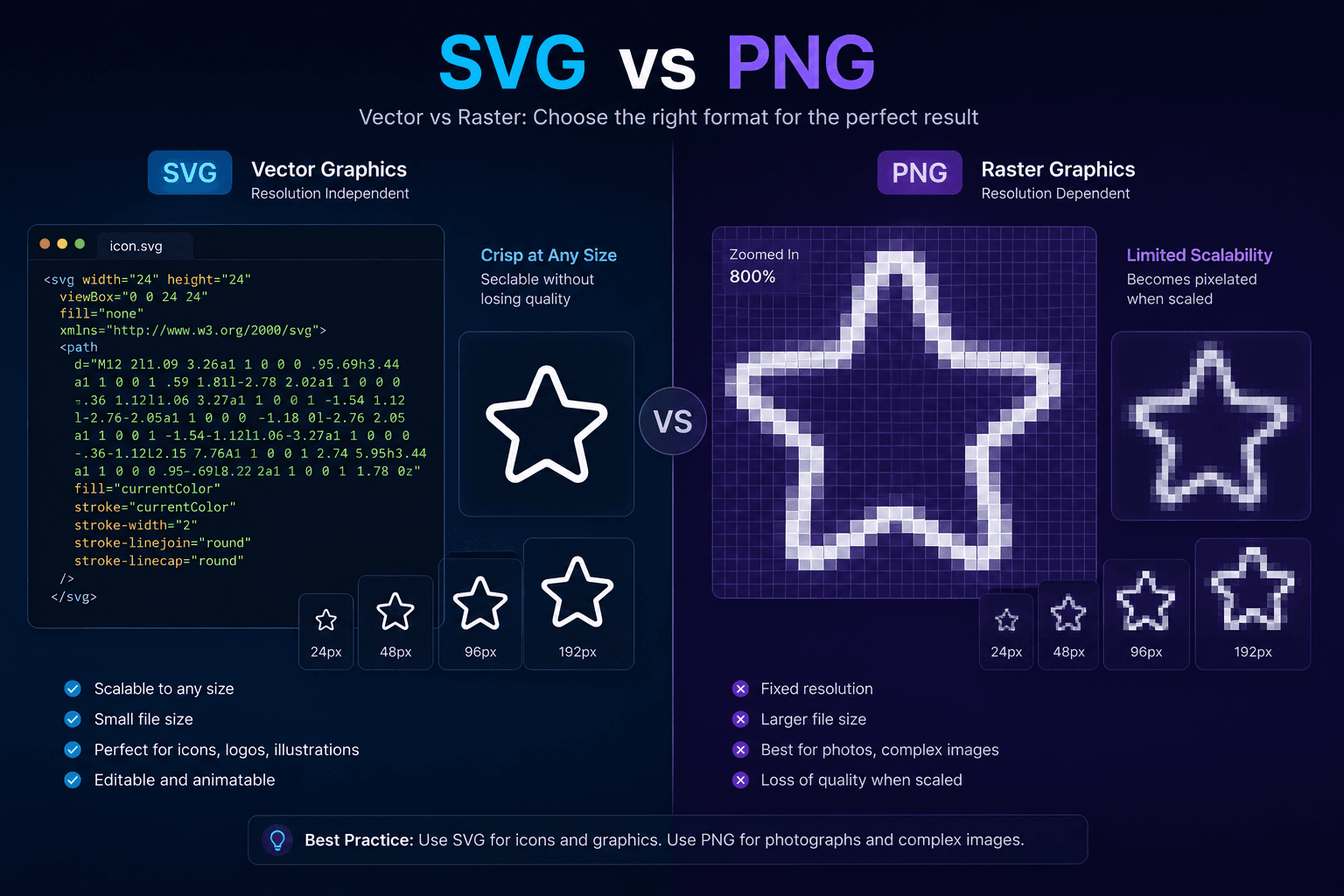
SVG vs. PNG: When to Use Which? IconVaultKit Explains Icon Export Options
SVG or PNG? For most developers and designers, this decision gets made instinctively - or inconsistently. Sometimes it matters a little. Sometimes it matters a lot. And occasionally, choosing the wrong format visibly degrades your website's quality or performance. In this guide, we'll clear up the confusion once and for all.
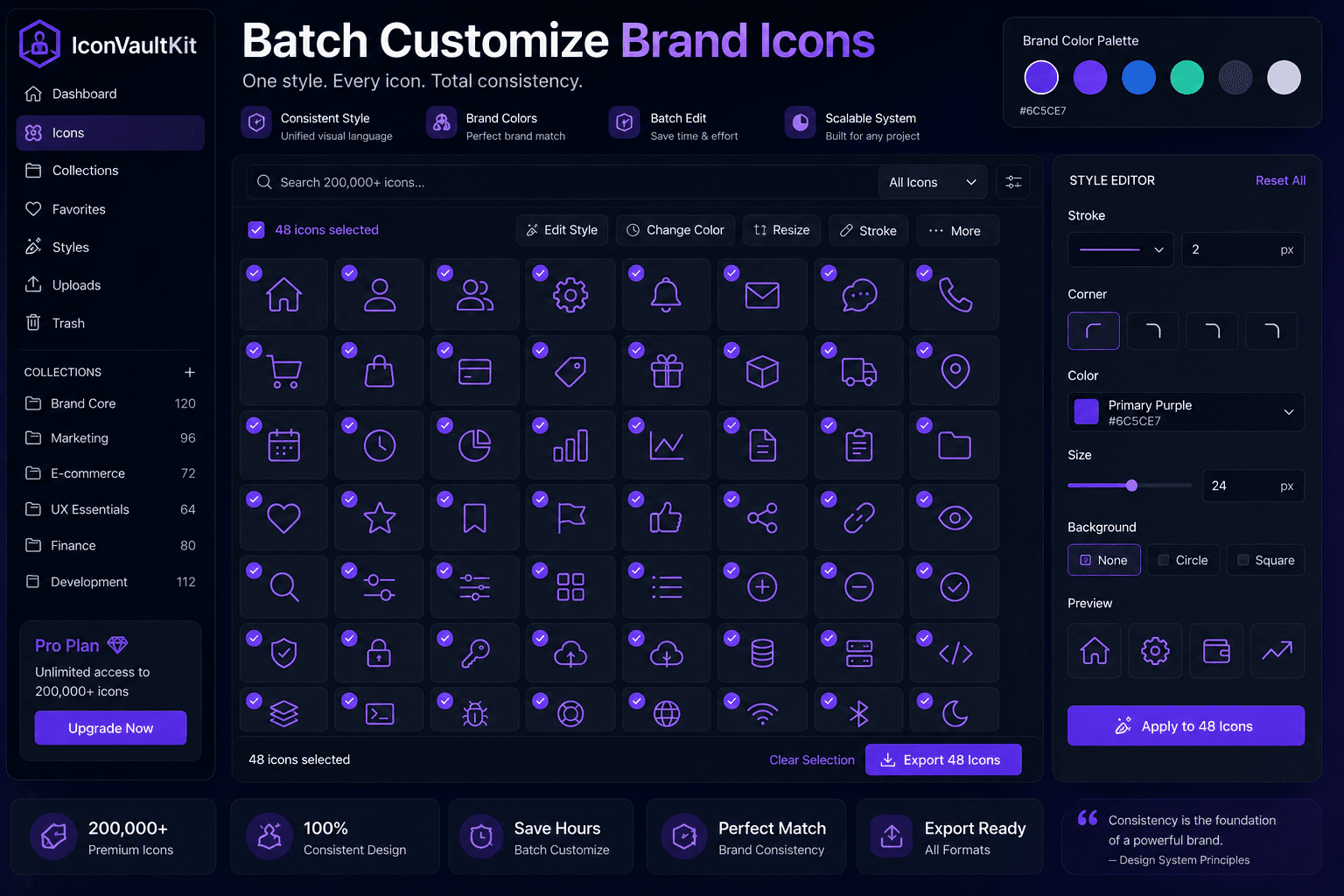
Pro Tip: Batch Customize IconVaultKit Icons for Consistent Brand Aesthetics
Brand consistency is the difference between a product that feels polished and one that feels assembled from parts. Icons are a surprisingly powerful lever: when every icon across your product shares the same color, weight, and style, the entire interface feels intentional and professional. But achieving icon consistency has historically been tedious.
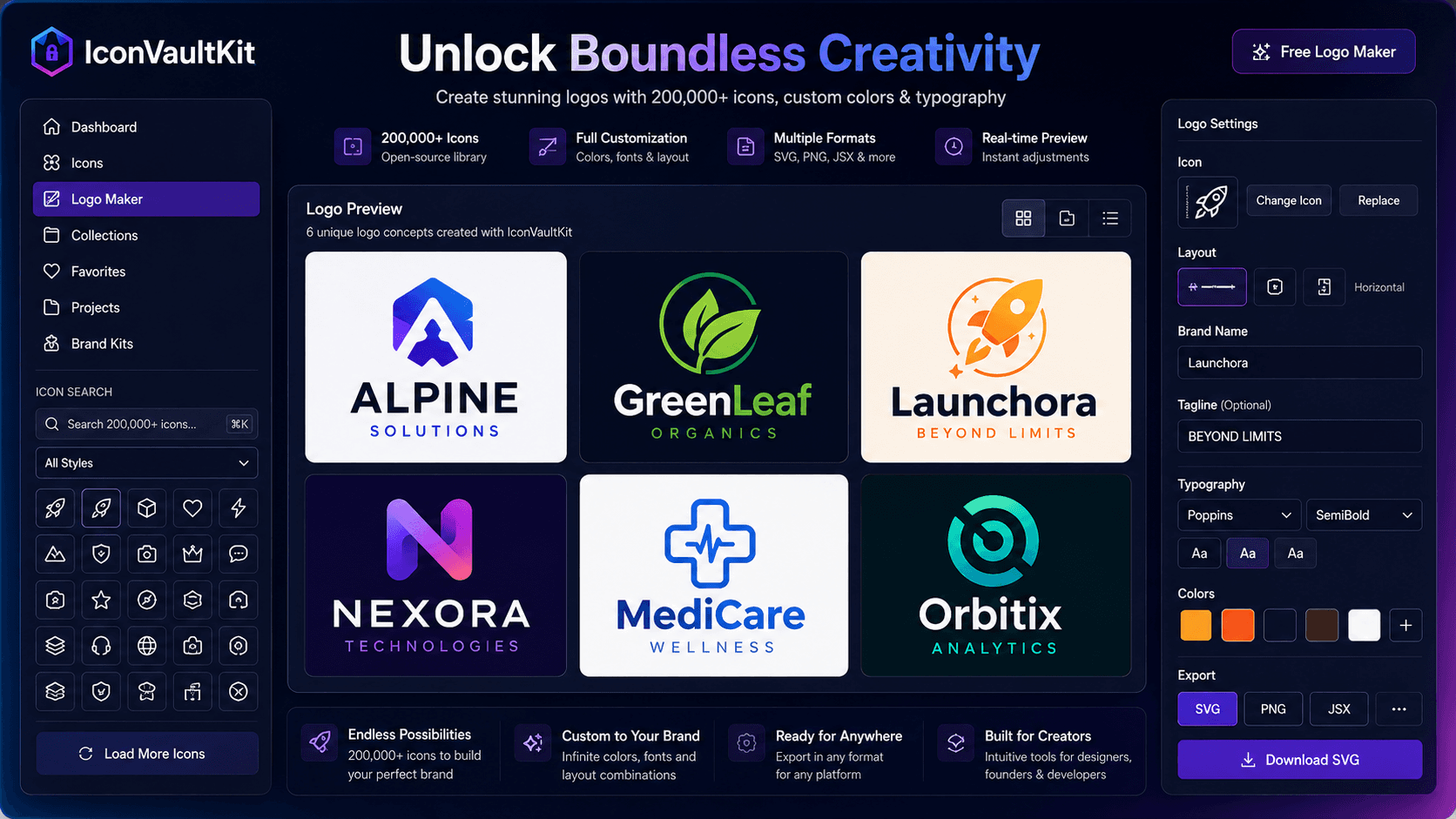
Unlock Boundless Creativity with IconVaultKit's Free Web-Based Logo Maker
The best creative tools don't restrict you - they expand what you think is possible. IconVaultKit's logo maker does exactly that, giving you access to 200,000+ icons as raw creative material for brand building.
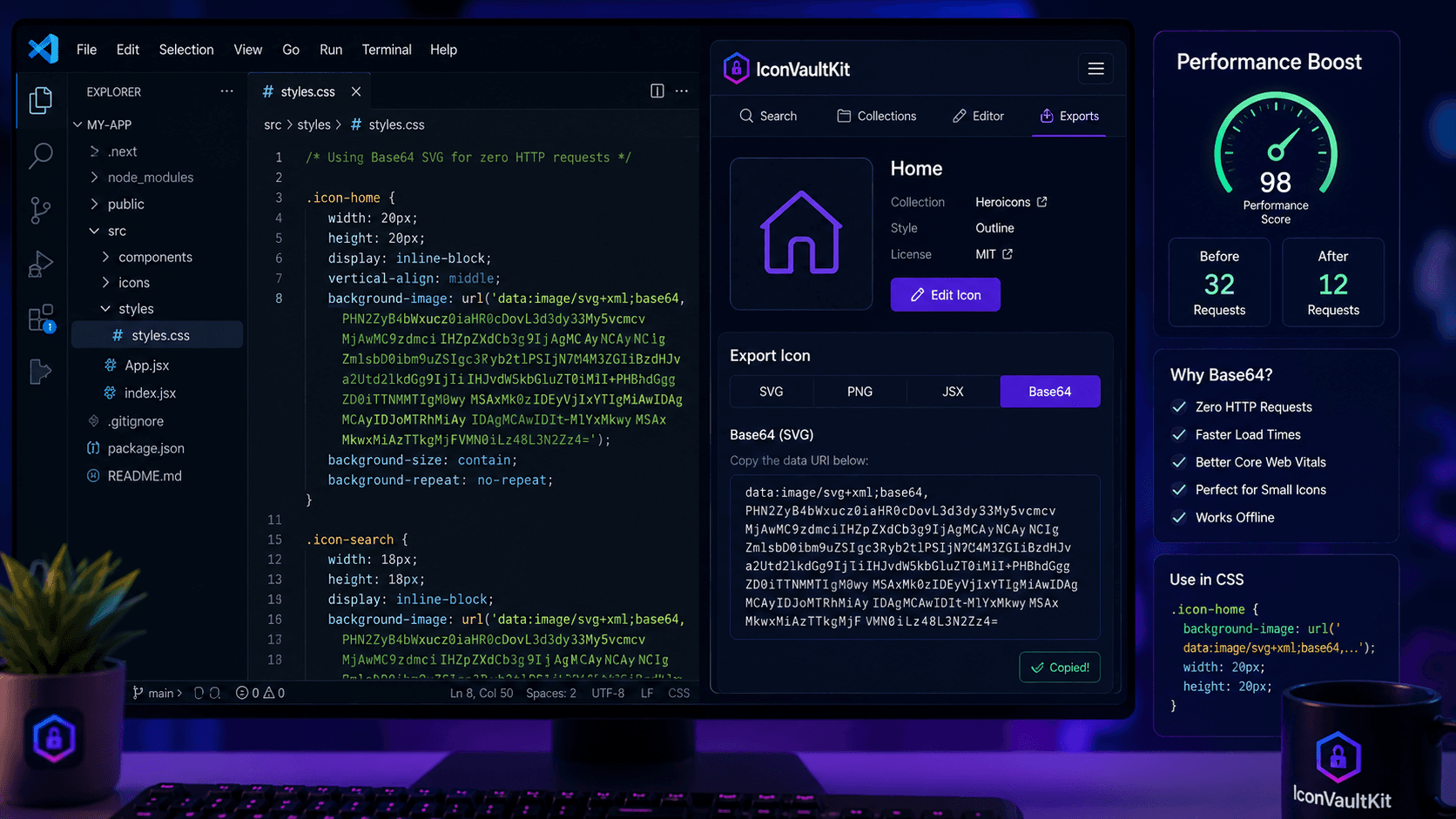
Base64 Export in IconVaultKit: Streamline Your Web Development Workflow
Every icon file is an HTTP request. Every request adds latency. In aggregate, icon requests can add 200-500ms to your page load time - a meaningful cost on slower connections or mobile networks. Base64 encoding converts your icon into a text string that lives inside your HTML or CSS, eliminating file requests and their associated latency.
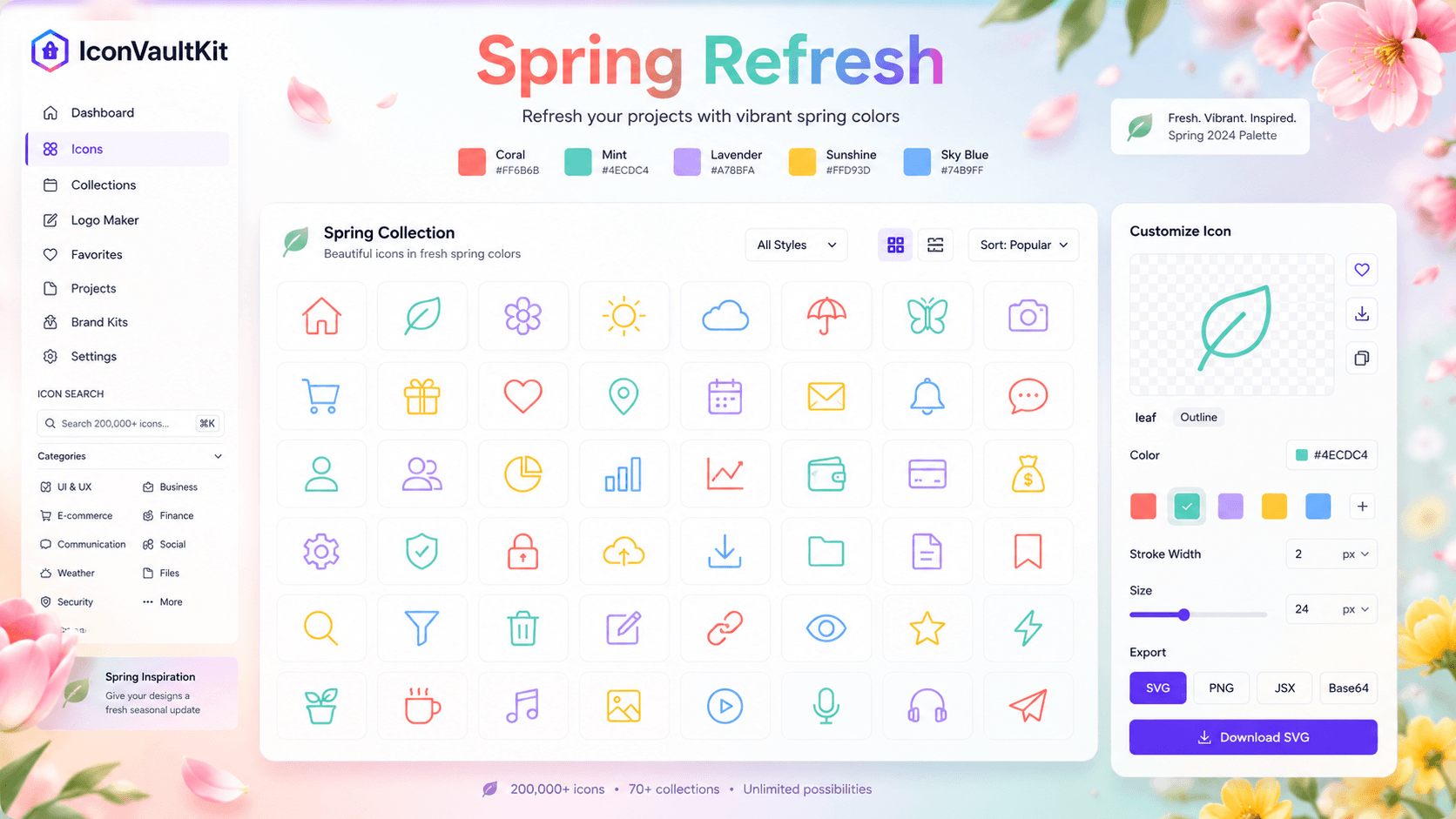
Spring Refresh: Customize Your Project Icons with IconVaultKit's Vibrant Color Palette
There's something about spring that inspires a fresh start - and that energy translates beautifully into design. A carefully chosen color refresh can make a product feel current, energetic, and alive.
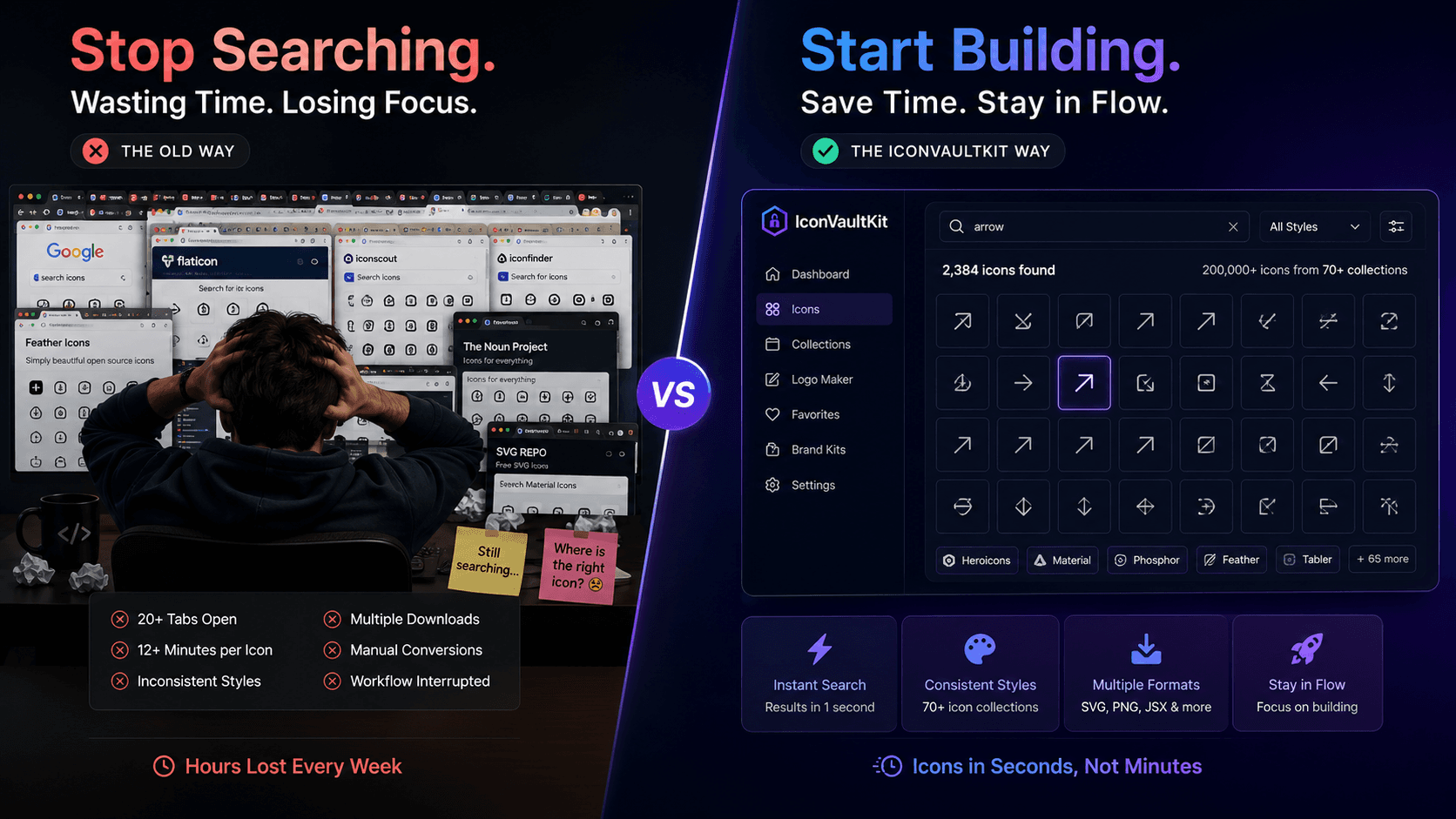
Stop Searching. Start Building. IconVaultKit Delivers Instant Access to Diverse Open-Source Icons
How much time does your team spend searching for icons? Across a typical project - 50, 100, 200+ icon decisions - the time adds up. One study found developers spend an average of 12 minutes finding and preparing each icon for production use. Multiply 12 minutes by 100 icons, and you've spent 20 hours - half a work week - just on icon hunting.
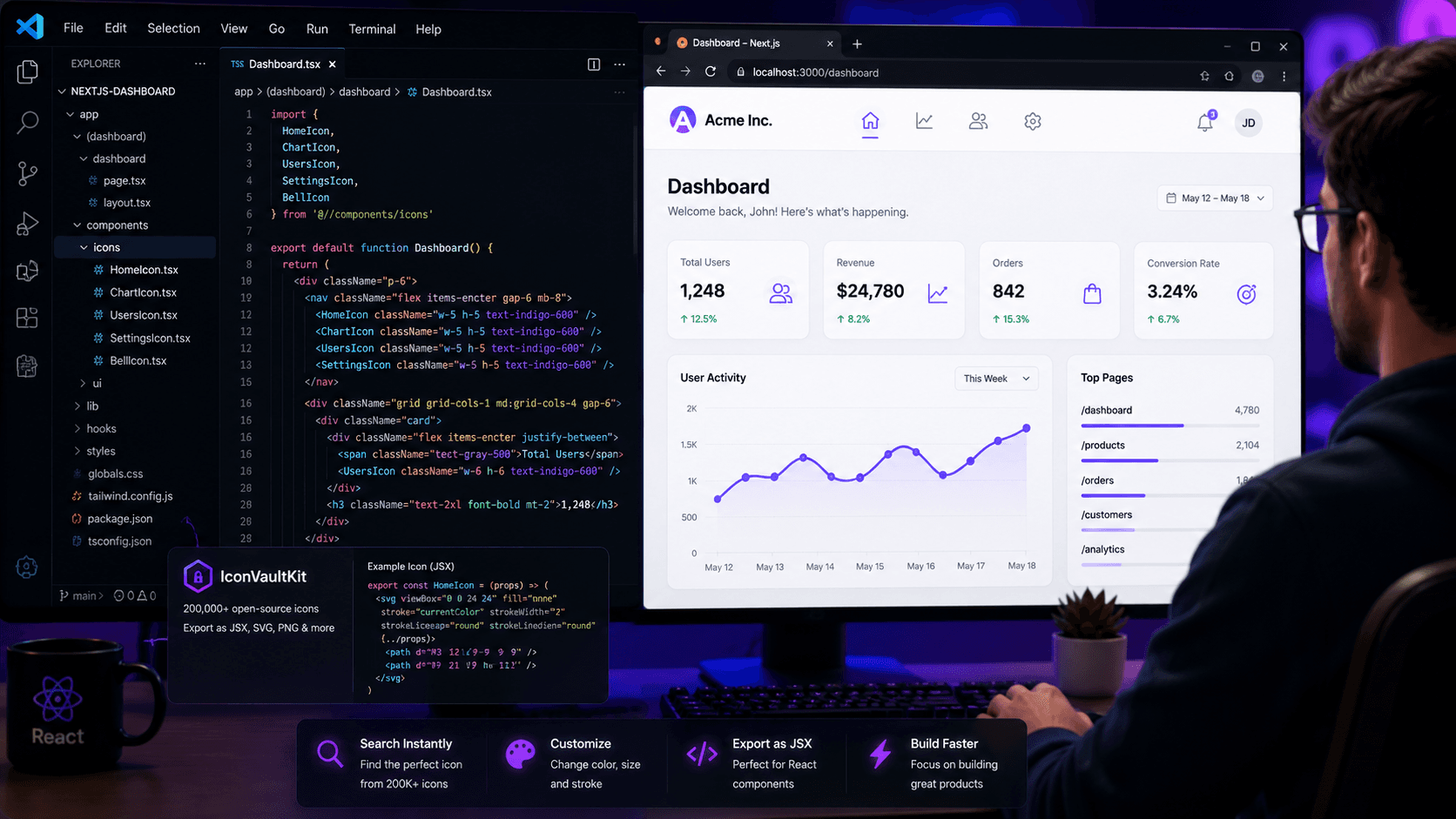
Developer Crafting a UI, Seamlessly Integrating JSX Icons from IconVaultKit
It's 10am. Alex - a front-end developer at a growing SaaS startup - is building the new dashboard UI. She has wireframes, she has component specs, and she has a list of 15 icons she needs across the navigation, sidebar, and action buttons. Two weeks ago, this would have meant opening half a dozen browser tabs, downloading zip files, and manually converting SVGs to JSX. Today, she has IconVaultKit.
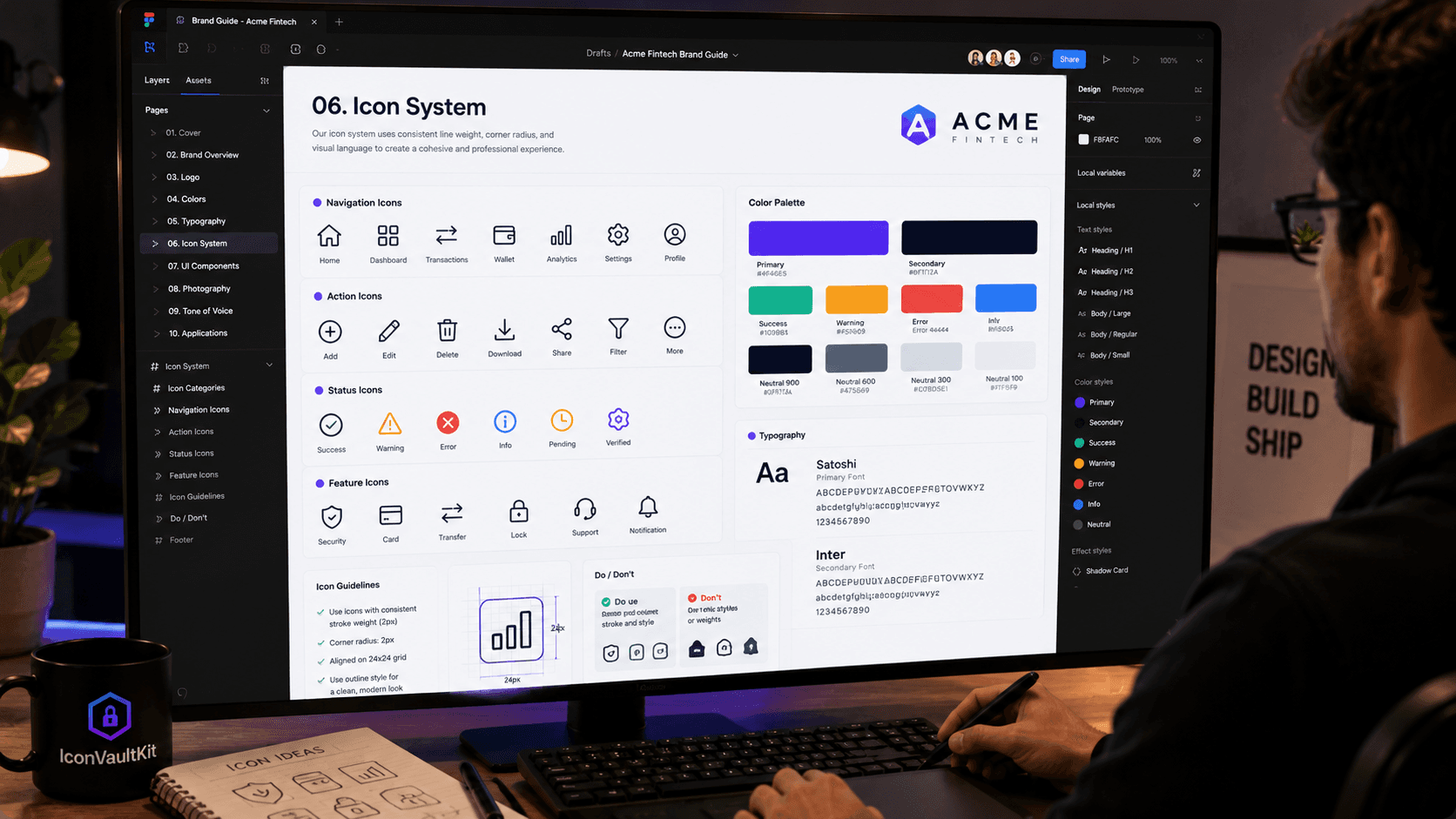
Designer Creating a Brand Guide, Easily Customizing IconVaultKit's Diverse Icons for a Client
Marco is a freelance brand designer. His new client - a fintech startup - needs a complete brand system: logo, colors, typography, and a set of 30 icons that will appear across their web app, landing page, and marketing materials. The icon set needs to feel professional, trustworthy, financial - and consistent with the startup's Indigo-and-Slate color palette.
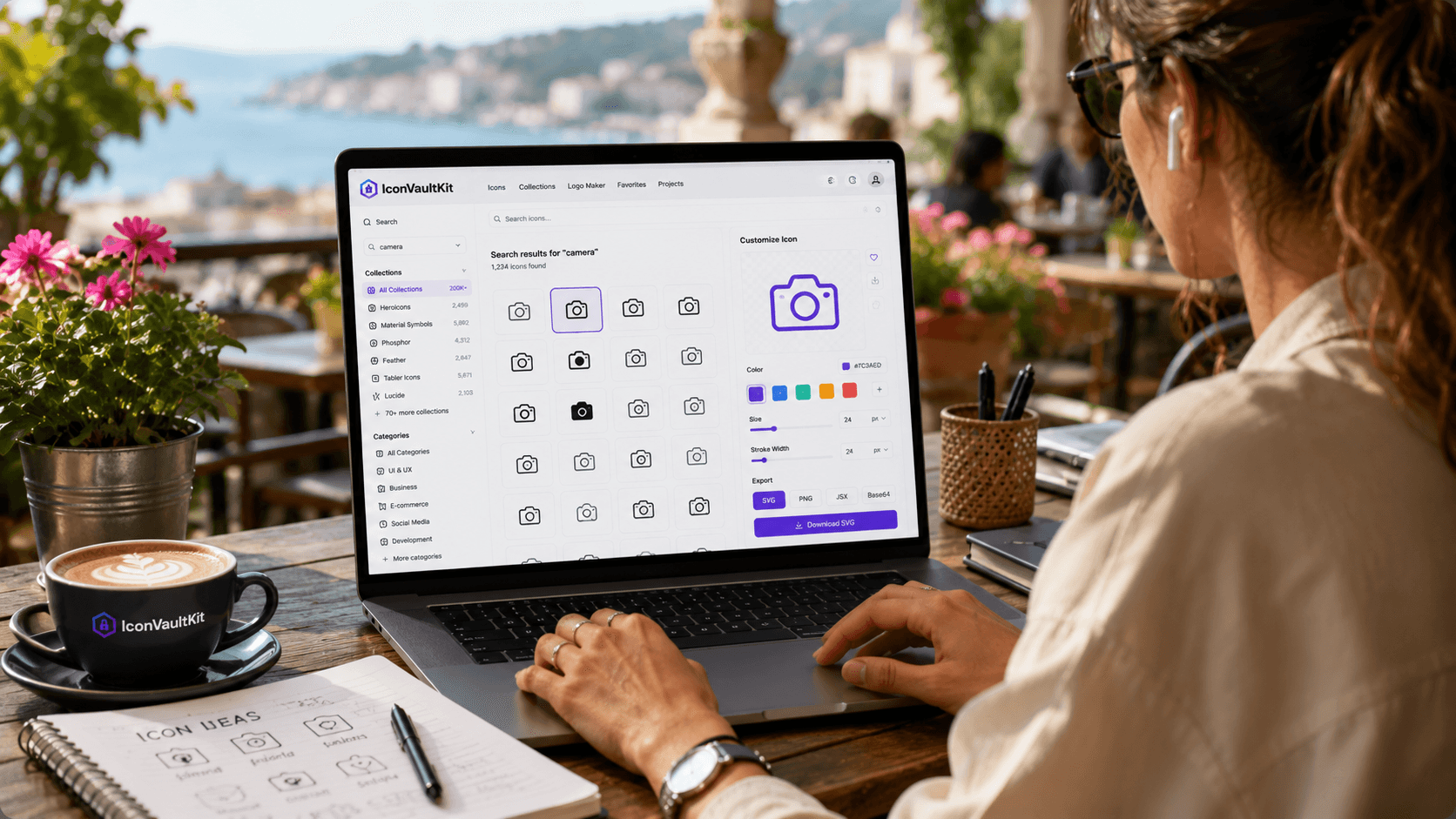
Freelancer Working Remotely, Leveraging IconVaultKit for Quick Icon Creation on a Vibrant Laptop
Freelancers live by speed and flexibility. A client lands in your inbox on Monday needing a full icon set by Thursday. You're working from a coffee shop, a co-working space, or your kitchen table. You need professional output - fast - with zero dependency on installed software or heavy subscription tools.
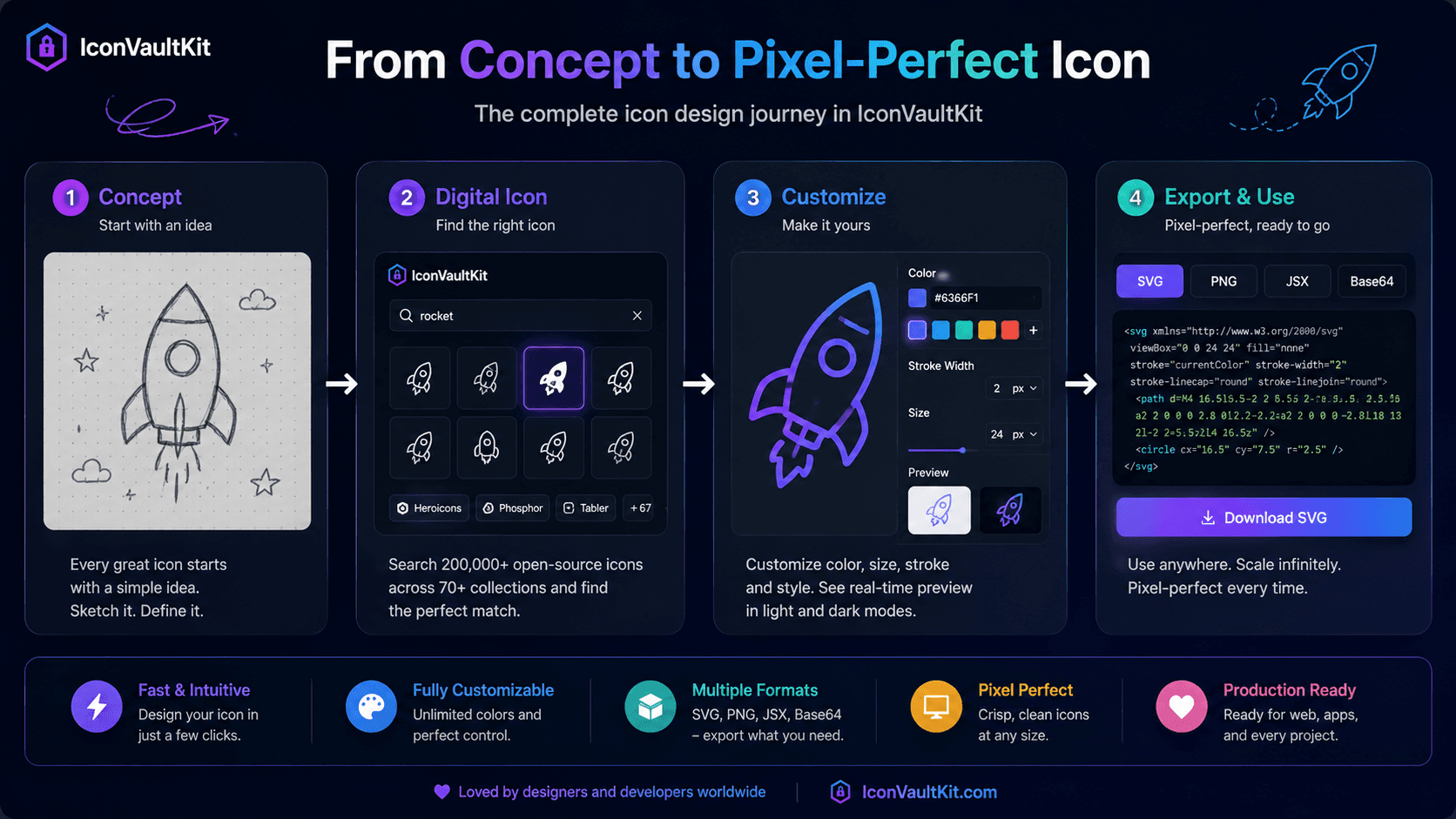
From Concept to Pixel-Perfect Icon: See IconVaultKit Simplify Your Design Process
Every icon starts as a concept - a rough idea of what visual metaphor will communicate the right meaning to users. The journey from that concept to a pixel-perfect, production-ready icon has historically involved multiple tools, multiple decisions, and multiple rounds of iteration. IconVaultKit compresses that journey into a single, streamlined tool.

Design Team Collaborating, Sharing Customized IconVaultKit SVG Icons for a New App Build
Nothing derails visual consistency faster than a team working without a shared icon standard. Designer A uses Heroicons. Developer B grabs icons from Google Fonts. Designer C uploads a custom SVG from Flaticon. The result: an inconsistent patchwork that users instinctively feel is 'off,' even if they can't articulate why.

The Moment a Developer Discovers IconVaultKit's Massive Free Icon Library for Their Project
Every developer who finds IconVaultKit remembers the moment. You're in the middle of a project, frustrated by the usual icon search dance - multiple tabs, multiple download steps, multiple conversion tools - and then someone shares a link. You type a keyword. Results populate instantly. You scroll and see... thousands of options.
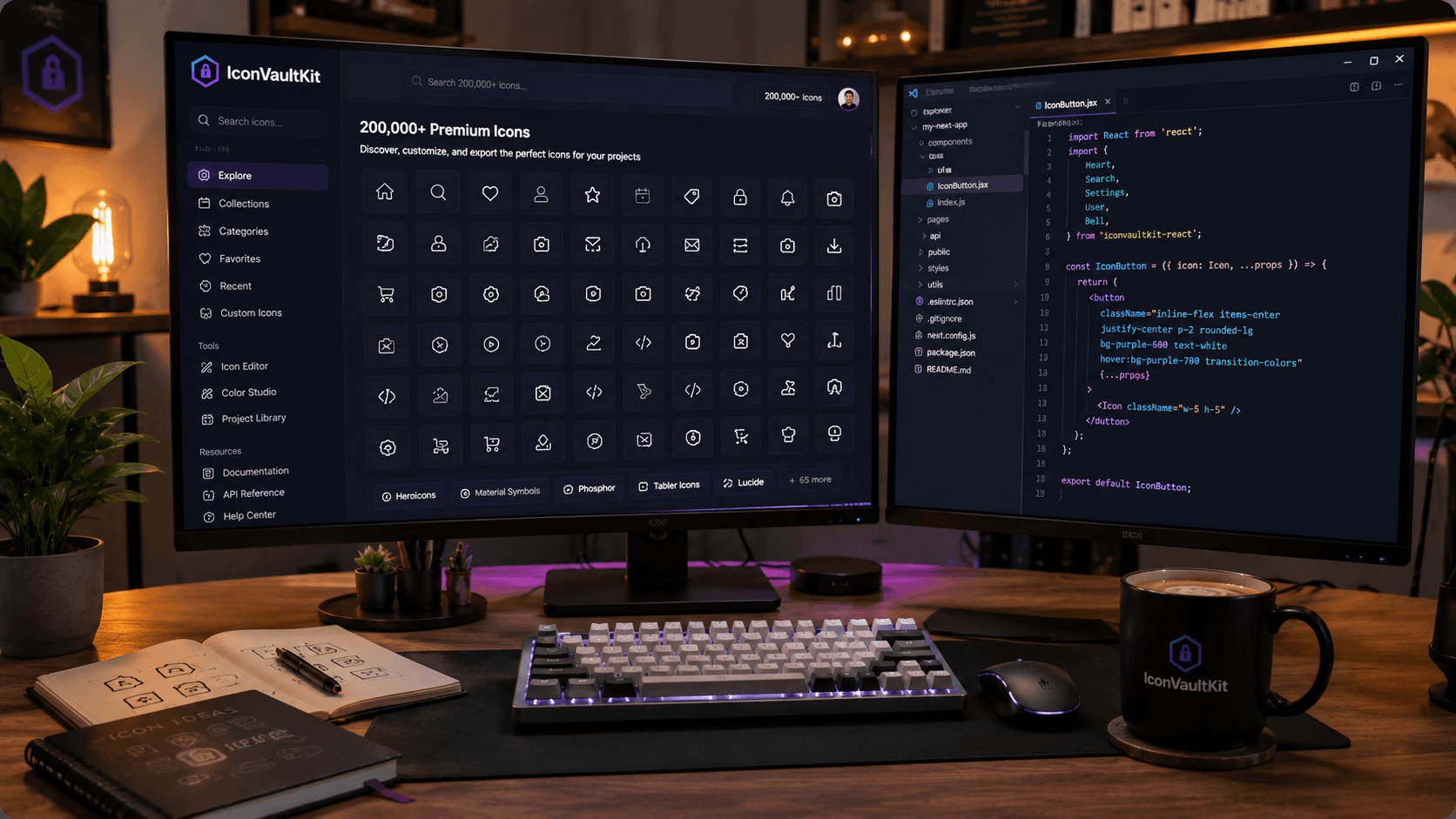
Desk Setup of a Developer, with IconVaultKit Open, Surrounded by Inspiring Tech and Sketchbooks
Your workspace is more than furniture and screens - it's a system for generating creative output. The tools you keep within reach, the references you keep visible, the environment you cultivate all shape the quality of your work.
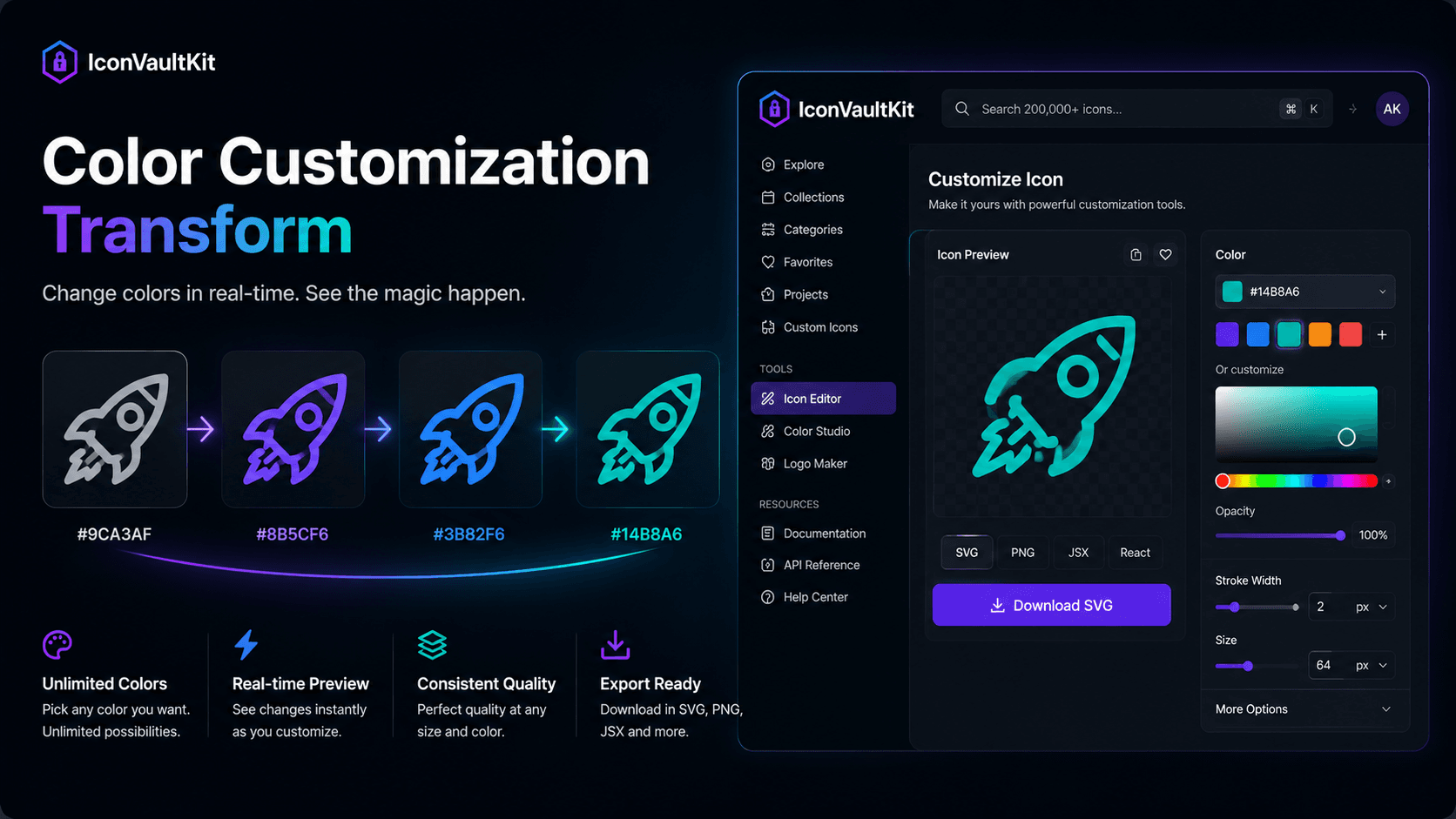
Satisfying Loop: Watch IconVaultKit's Color Customization Transform an SVG Icon Instantly
There's a specific kind of design satisfaction that comes from real-time visual feedback. You move a slider. The color shifts. The icon transforms. Your brain confirms: yes, that's the one. IconVaultKit's instant color customization delivers exactly this experience - and it's more useful than it sounds.
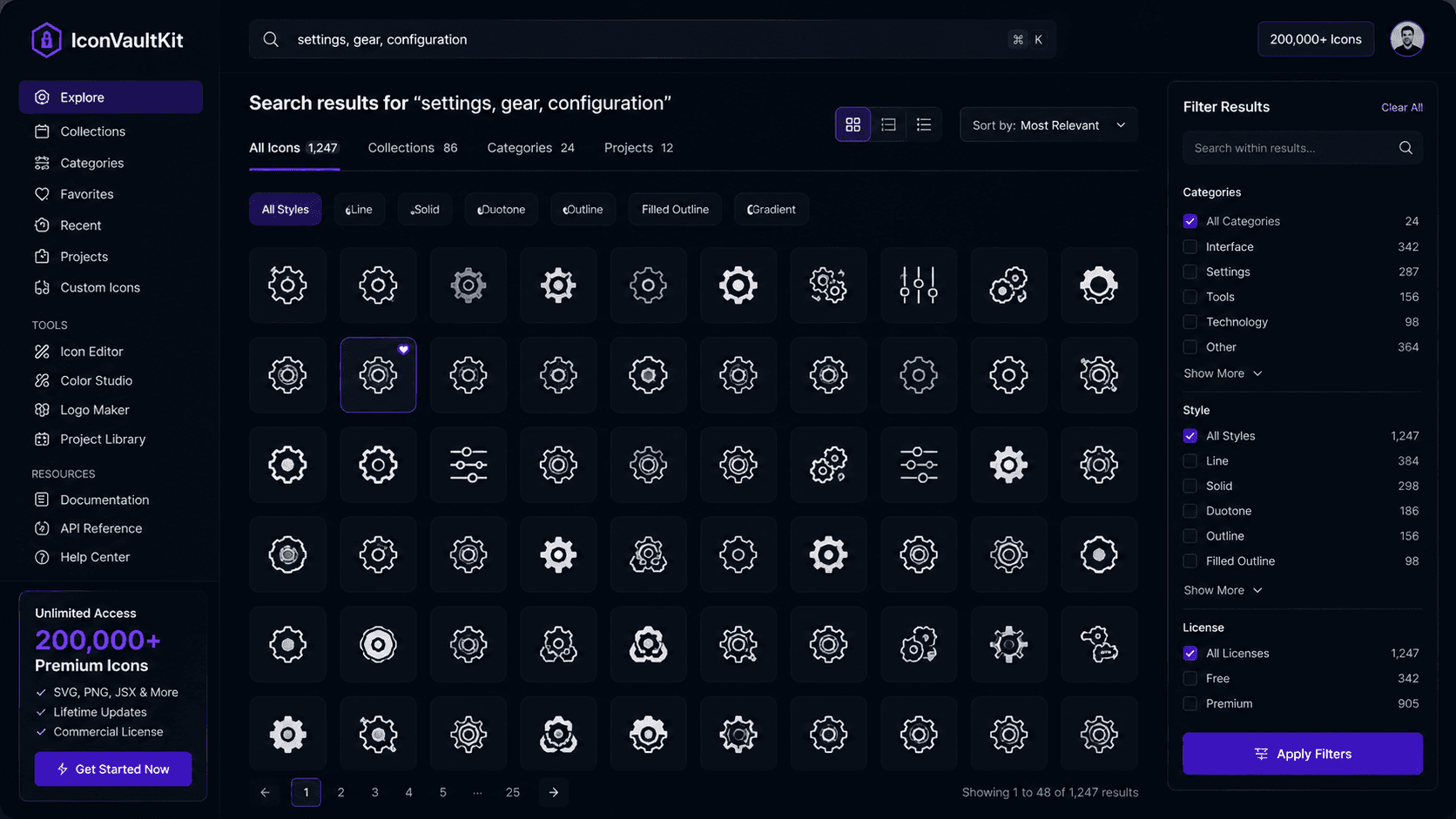
Quick Reveal: IconVaultKit's Search Function in Action, Finding 'Gear' Icons Across 200K+ Options
Let's walk through exactly what happens when you type 'gear' into IconVaultKit's search bar - and why it's so fast. As you type, results begin populating. By the time you've typed all four letters, the grid is already full.
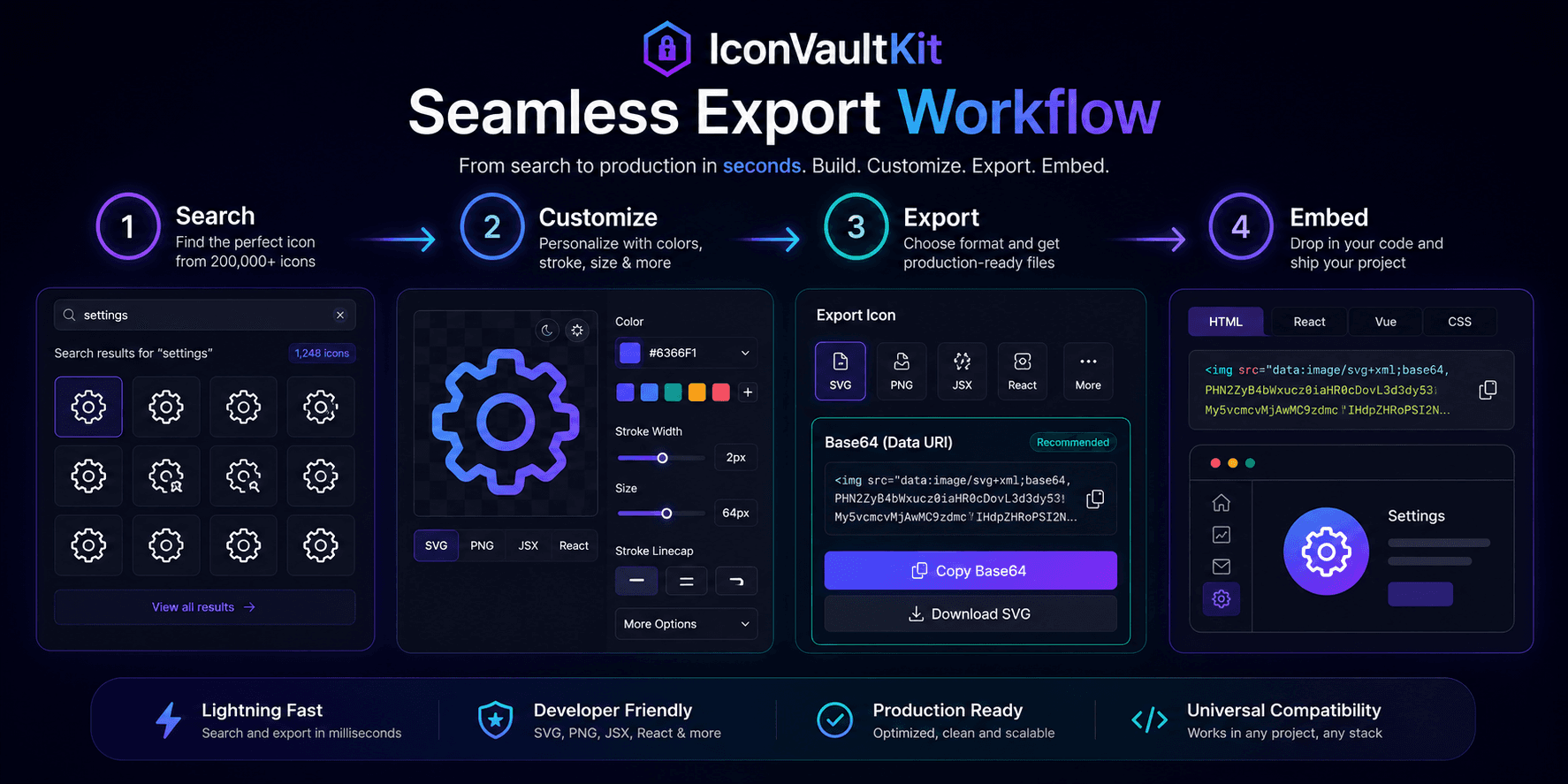
Seamless IconVaultKit Export Loop: From Customizing an Icon to Downloading It as Base64
There's a simple, satisfying loop at the heart of IconVaultKit's workflow: find, customize, export, use. When each step flows into the next without friction, the result feels almost effortless. Let's walk through the Base64 version of this loop.
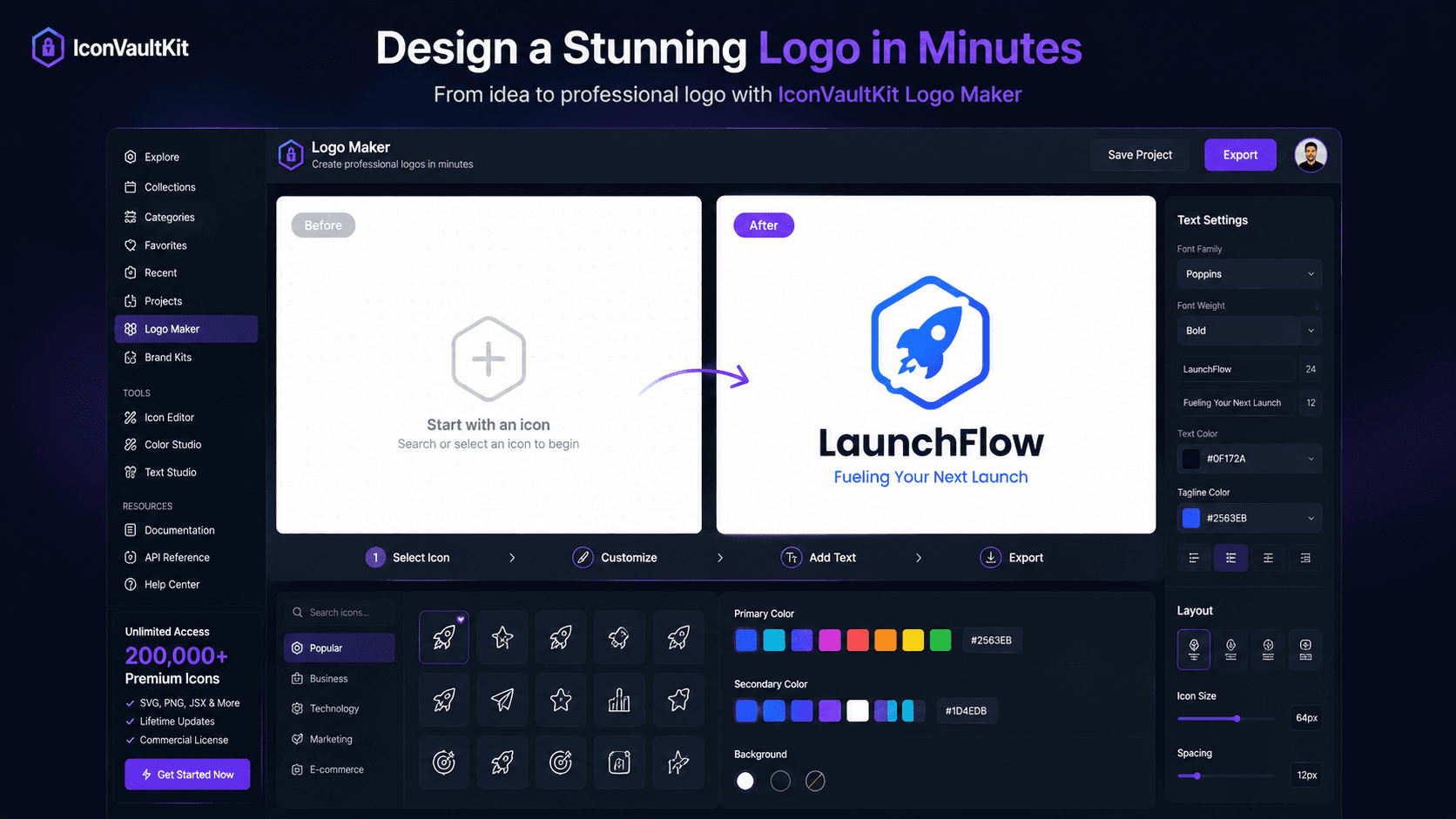
Designing a Simple Logo with IconVaultKit's Intuitive Logo Maker, a Quick, Smooth Process
The pressure of designing a logo can feel enormous - it's supposed to represent everything your brand stands for, forever. But the reality is: a good logo is simple, memorable, and well-executed. You don't need weeks of deliberation. You need the right tool and a clear starting point. IconVaultKit's logo maker gives you both.
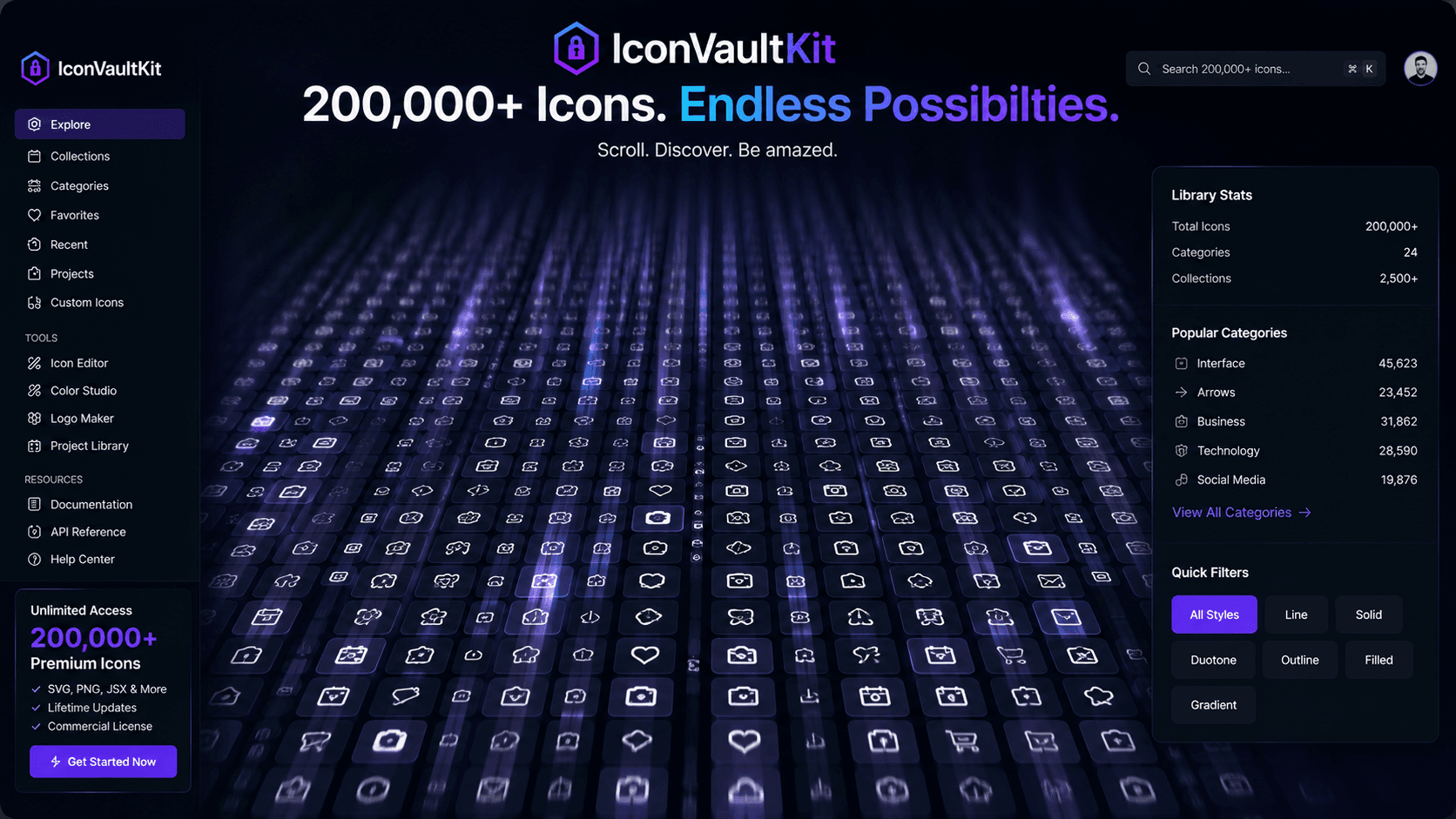
Mesmerizing Scroll Through IconVaultKit's Vast Open-Source Icon Library, Truly Unlimited Possibilities
Two hundred thousand icons. It's a number that's easy to say and hard to visualize. If you spent 5 seconds looking at each icon in IconVaultKit's library, it would take you 278 hours - over 11 days - to see them all. That's the scale of possibility within a single search bar.
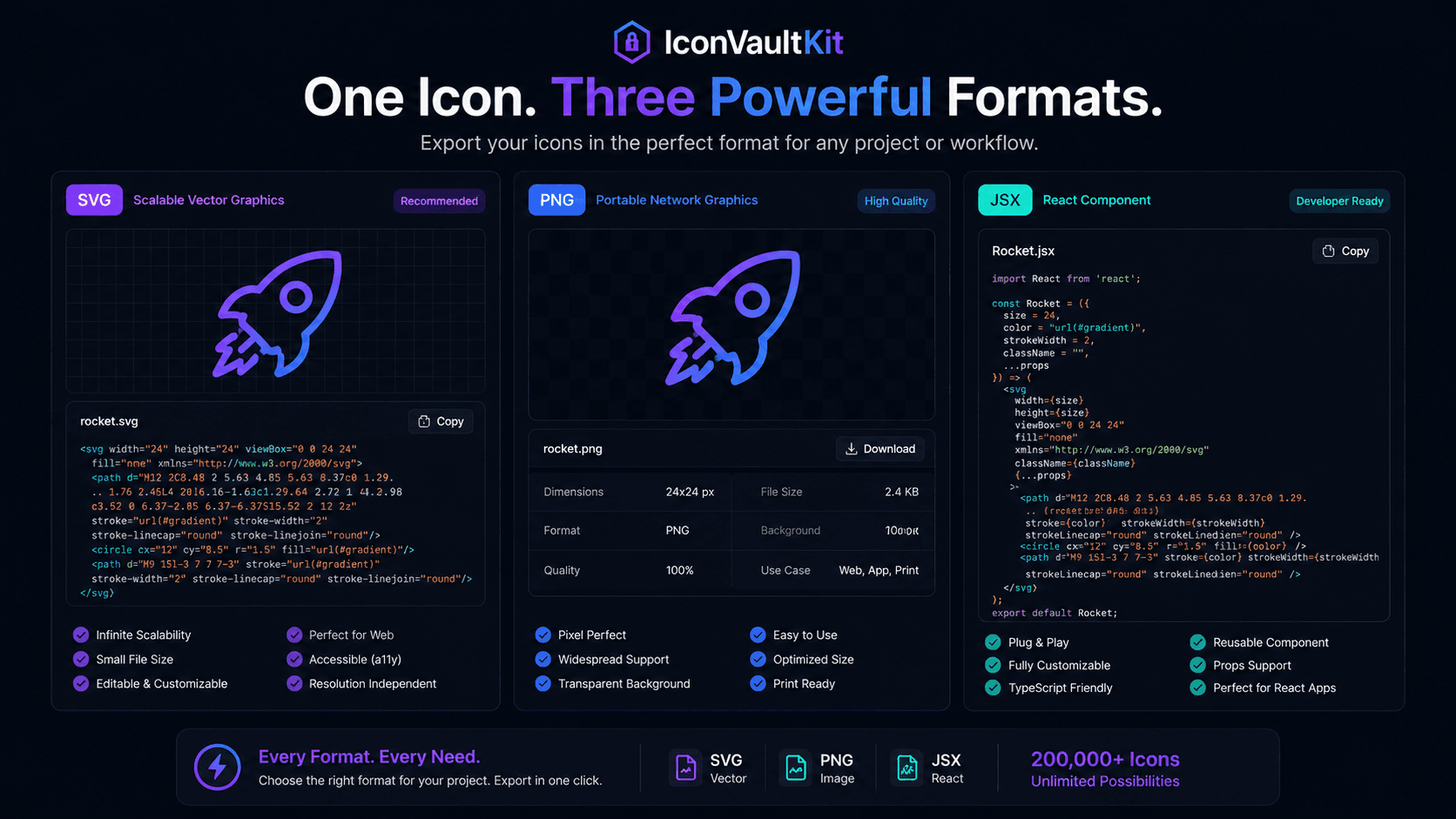
Dynamic Loop Showing an IconVaultKit Icon Switching Seamlessly Between SVG, PNG, and JSX Formats
Take any icon in IconVaultKit, and export it three times - as SVG, PNG, and JSX. Three fundamentally different files. Three different use cases. One starting point. This multi-format flexibility is one of IconVaultKit's most practical advantages for development teams.
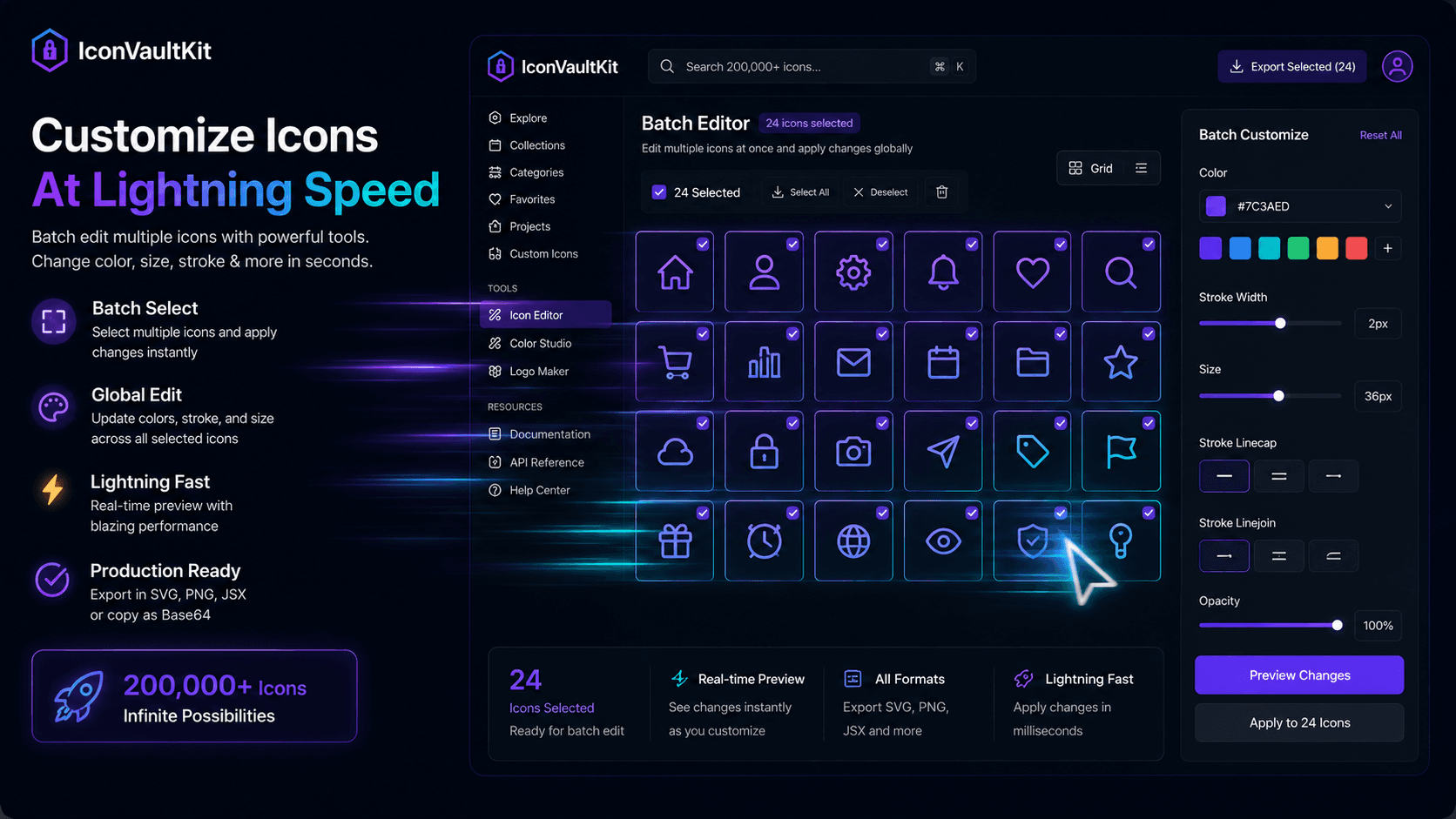
Developer's Cursor Rapidly Customizing Multiple IconVaultKit Icons with a Few Clicks, Showcasing Speed
In software development, tools that slow you down have hidden costs that extend far beyond the seconds they waste. Context switching, frustration, workflow interruption - these compound into significant productivity drag over the course of a project. IconVaultKit is built for speed.
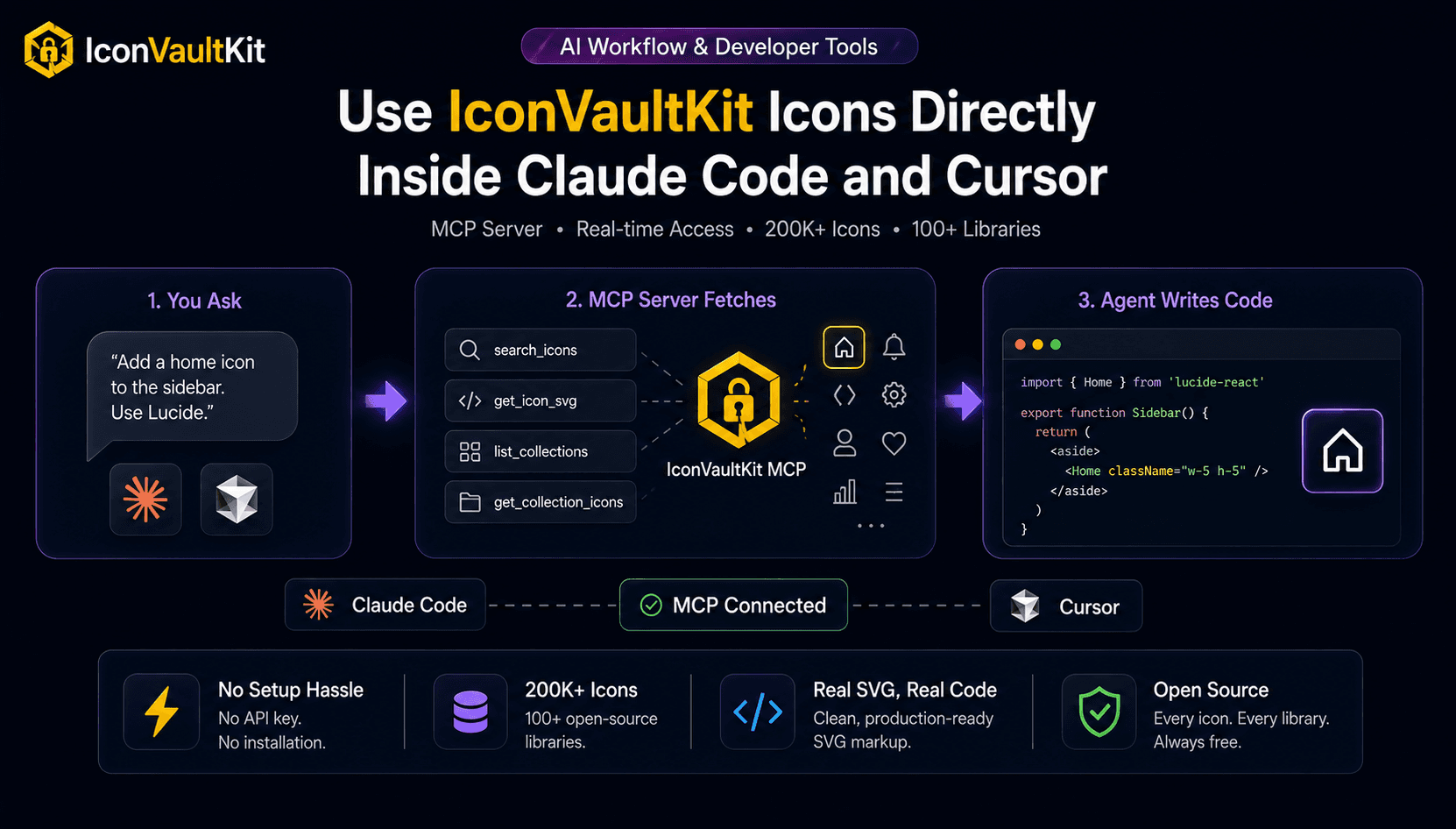
How to Use IconVaultKit Icons Directly Inside Claude Code and Cursor
If you use an AI coding agent like Claude Code or Cursor, you already know the friction: you ask your agent to add an icon and it either hallucinates a component name or asks you to go find one yourself. IconVaultKit now has an MCP server that fixes this completely.
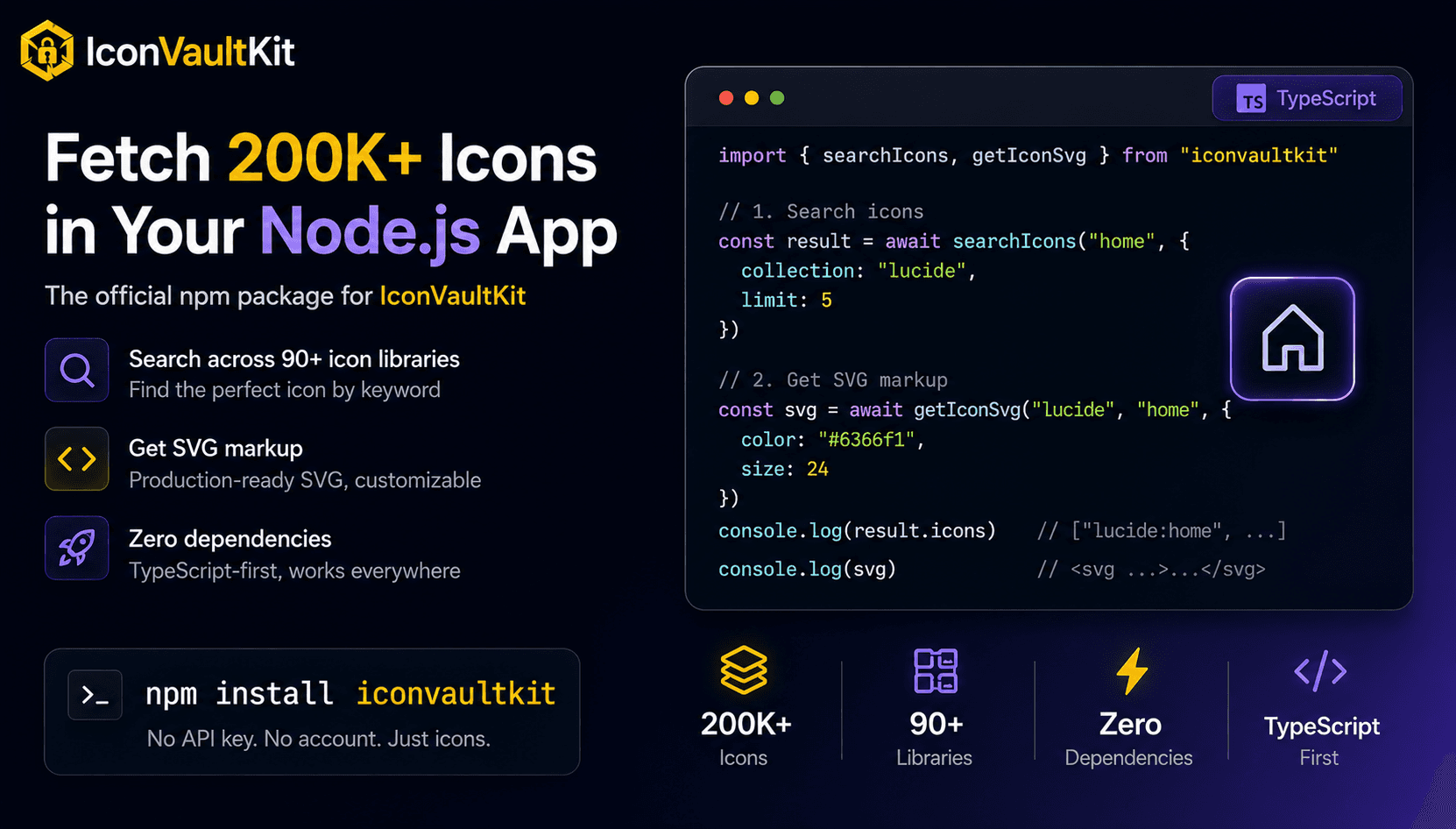
Fetch Icons in Your Node.js App with the iconvaultkit npm Package
Sometimes you need icons in a script, a build pipeline, a server-side renderer, or a CLI tool. The browser UI isn't the right place for that. The iconvaultkit npm package gives you the same 200,000+ icons, in TypeScript, with zero dependencies.