The Brief
Marco is a freelance brand designer. His new client - a fintech startup - needs a complete brand system: logo, colors, typography, and a set of 30 icons that will appear across their web app, landing page, and marketing materials.
The icon set needs to feel: professional, trustworthy, financial - and consistent with the startup's Indigo-and-Slate color palette.
Finding the Right Icon Family
Marco opens IconVaultKit and browses collections. He filters to the Phosphor Icons set - a large, professionally designed library with a clean, weight-adjustable style that reads as modern and trustworthy. He confirms there are enough icons in this set for all 30 he needs.
Setting Up for Consistency
Before downloading anything, Marco saves the client's hex colors as presets in IconVaultKit: Primary (#4F46E5), Secondary (#64748B), and White (#FFFFFF). Now every icon download will be one color-click away.
Working Through the Icon List
Marco categorizes the 30 icons by context:
- Navigation (8 icons) - customized in Primary color
- Actions (10 icons) - customized in Secondary
- Status indicators (6 icons) - in contextual colors (green, red, amber)
- Feature illustrations (6 icons) - in Primary, larger size
Working through each category systematically, Marco downloads 30 icons in about 45 minutes - each perfectly colored and sized for its intended context.
Building the Brand Guide Section
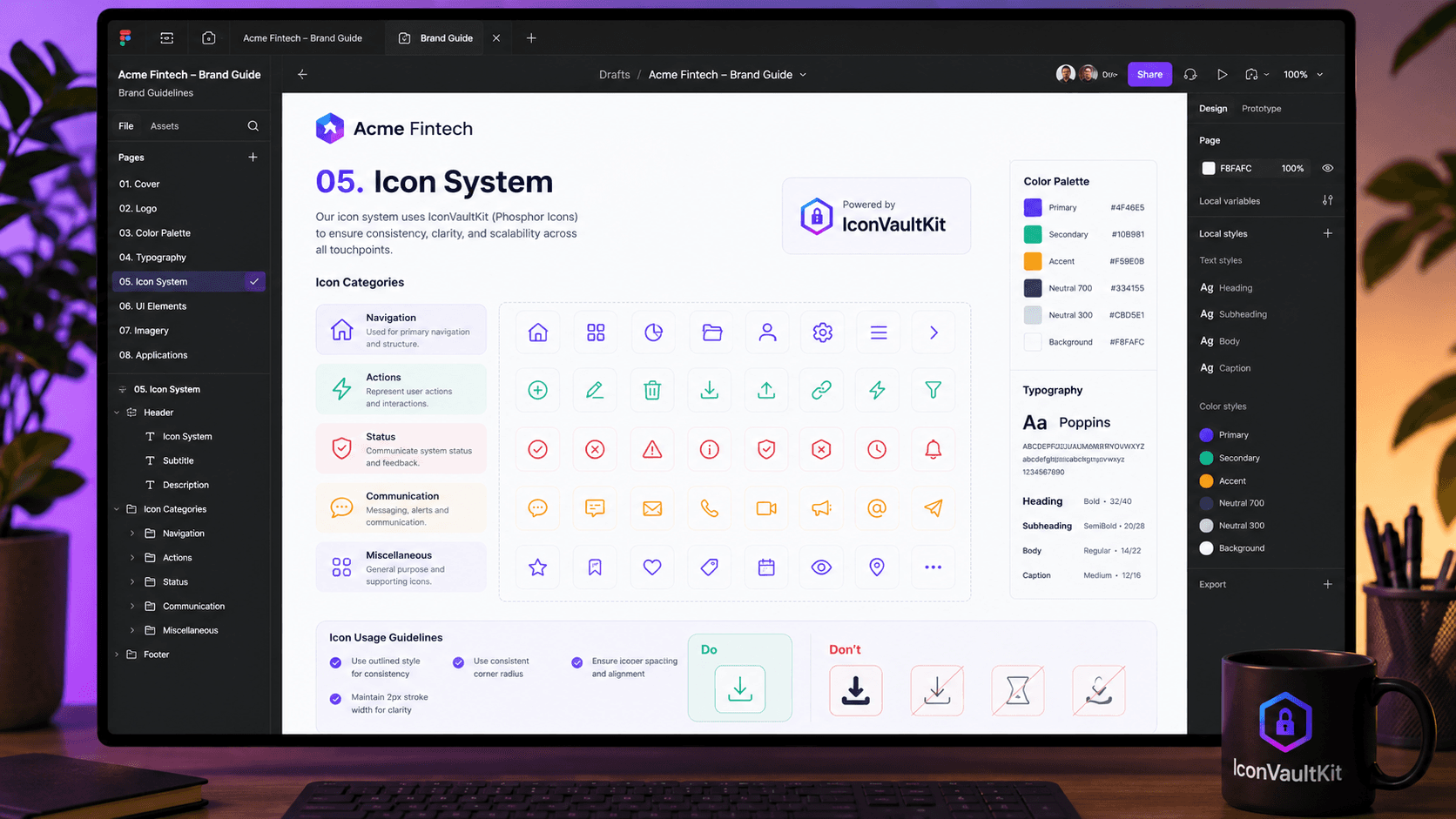
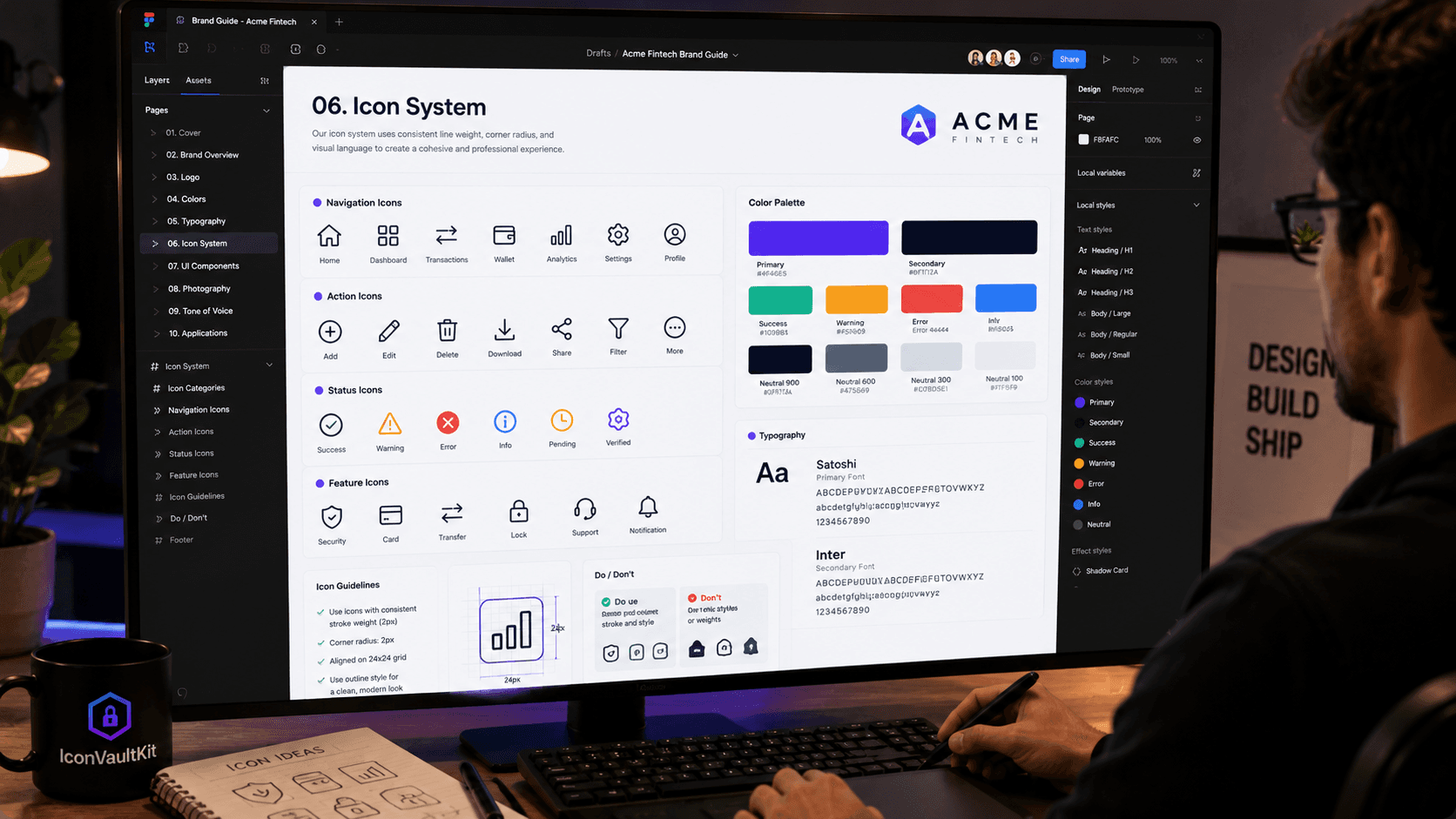
With icons downloaded, Marco creates the Icon System section of the brand guide:
- Visual grid showing all 30 icons with their names
- Usage guidelines - which icons appear where
- Color specifications - exact hex values per context
- Size standards - 16px (dense UI), 24px (standard), 40px (feature sections)
- 'Do / Don't' examples showing correct and incorrect usage
Client Deliverable: A complete, polished brand icon system - 30 icons, consistent Phosphor style, two-color system, fully documented. Delivered in half the time Marco expected.
Conclusion
IconVaultKit doesn't just save designers time - it raises the quality of what they can deliver. The ability to find a consistent icon family, apply brand colors in seconds, and export in any format makes client deliverables more professional and more valuable.