
5 Minutes to a Logo You Love
The pressure of designing a logo can feel enormous - it's supposed to represent everything your brand stands for, forever. But the reality is: a good logo is simple, memorable, and well-executed. You don't need weeks of deliberation. You need the right tool and a clear starting point.
IconVaultKit's logo maker gives you both.
Before You Open the Tool
Spend 2 minutes on these questions:
- What is the single core concept of your brand? (one word)
- What emotion do you want your brand to evoke? (one word)
- What color comes to mind? (just a feeling - warm/cool/bold/muted)
With those answers in hand, open IconVaultKit's logo maker.
The Process: Step by Step
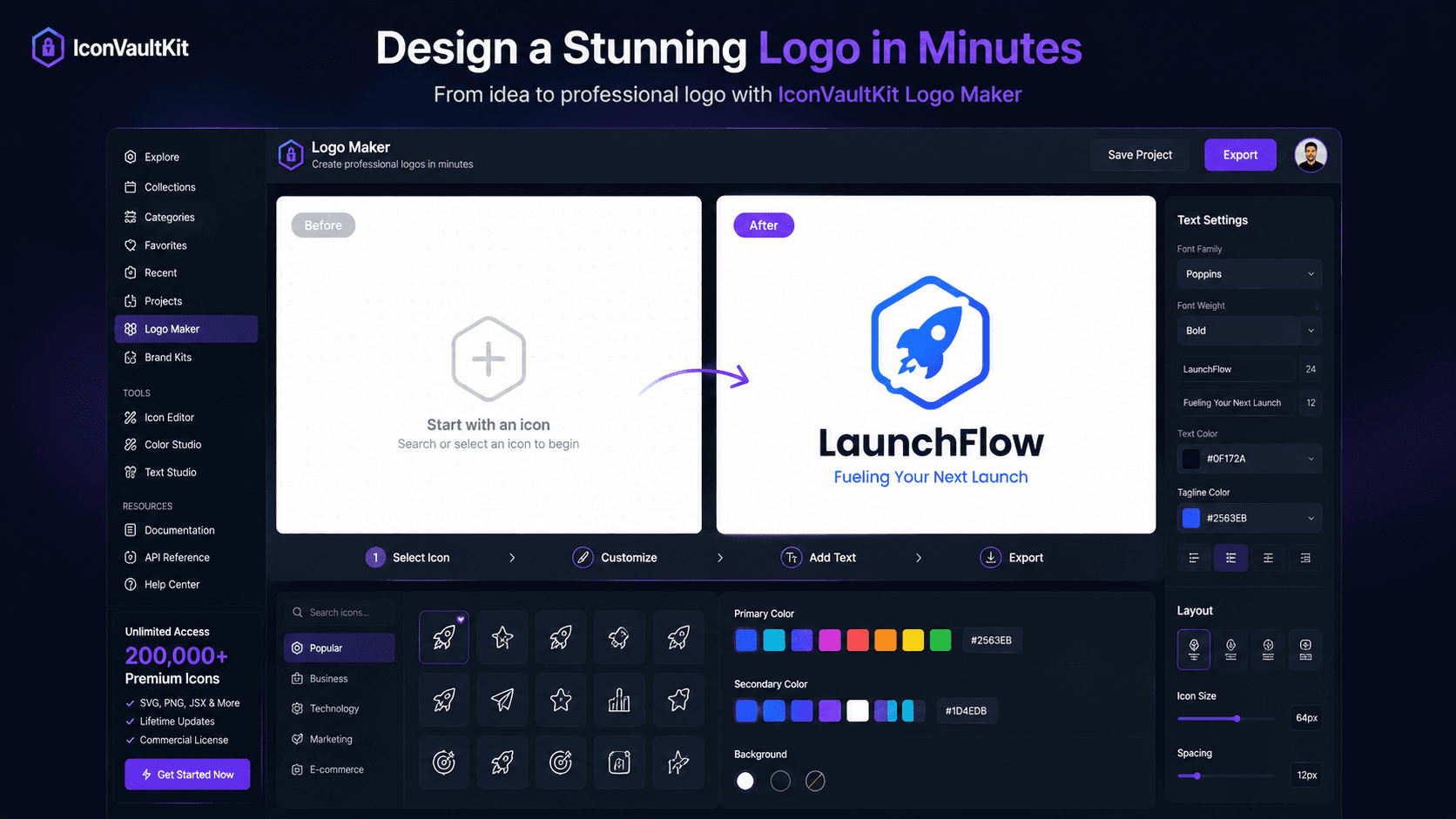
- Search for your core concept word in the icon search.
- Browse results - look for the icon that makes you think 'yes, that's it.'
- Don't overthink. Trust your first instinct.
- Select your layout: icon only, or icon + brand name.
- Apply your color - start with one strong primary color.
- If using text, type your brand name and select a font weight.
- Preview in light and dark backgrounds.
- Adjust until it feels right.
- Export as SVG.
Common Beginner Mistakes to Avoid
- Too many colors - start with one, add a second only if needed
- Too much detail - simpler icons make better logos
- Font too thin - logos need legibility at small sizes
- Ignoring dark background preview - your logo needs to work on both
Quick Test: After designing, screenshot your logo and shrink it to 32px square. That's your favicon. Does it still read clearly? If not, simplify.
When 'Good Enough' Is Actually Good Enough
A well-chosen icon in your brand color, paired with your name in clean typography, is a professional logo. You can refine it over time. But launching with a clean, simple logo is infinitely better than launching with no logo because you were waiting for perfect.
Conclusion
Great logos are simpler than you think. IconVaultKit's logo maker removes every barrier between you and a logo you're proud of. Five minutes. That's all it takes to start.