
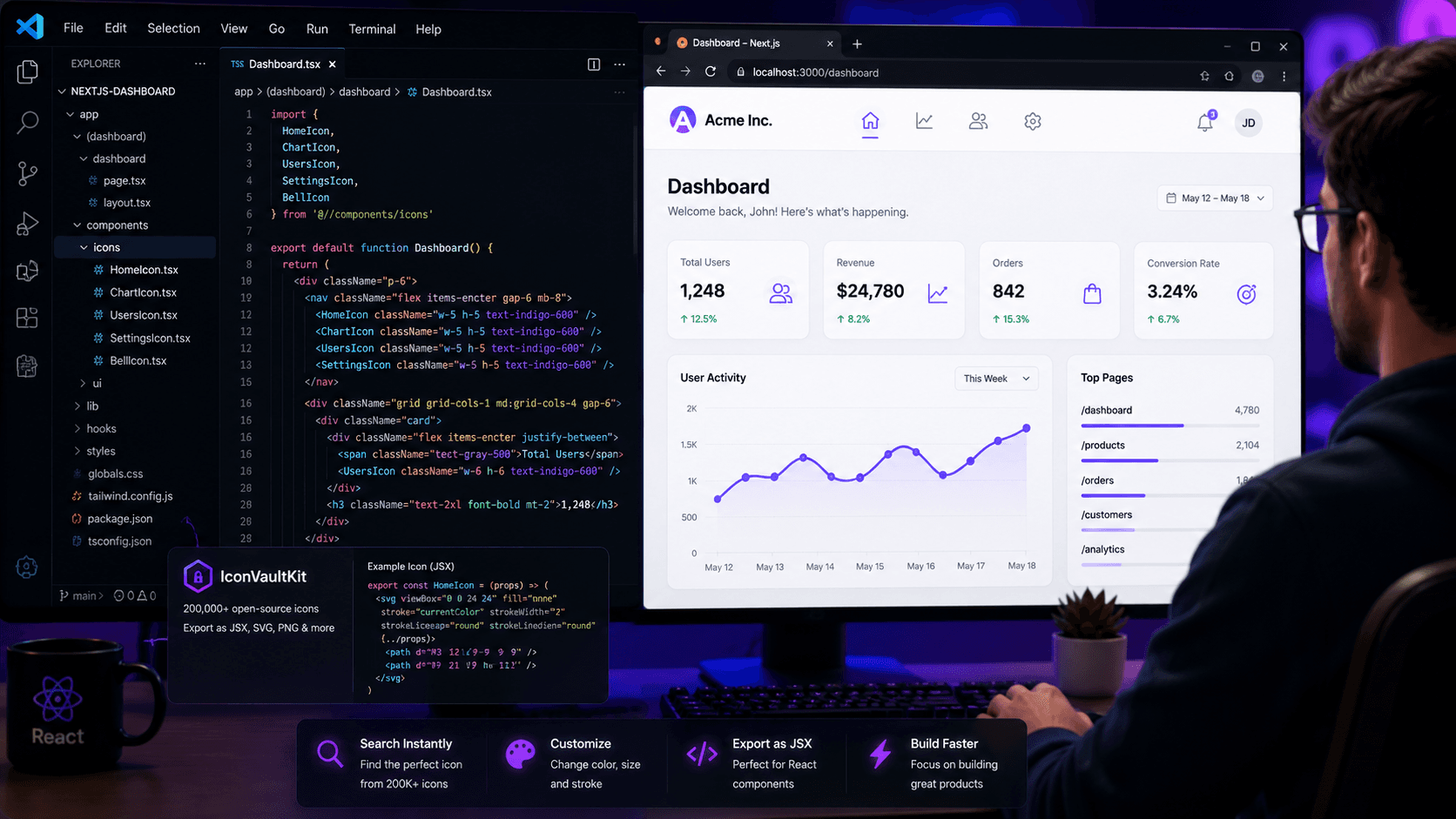
The Scene
It's 10am. Alex - a front-end developer at a growing SaaS startup - is building the new dashboard UI. She has wireframes, she has component specs, and she has a list of 15 icons she needs across the navigation, sidebar, and action buttons.
Two weeks ago, this would have meant opening half a dozen browser tabs, downloading zip files, and manually converting SVGs to JSX. Today, she has IconVaultKit.
Step 1: Search
Alex types 'chart' into IconVaultKit. In under a second, she sees 200+ chart icon variants. She spots the one that matches her design spec - a clean line-style bar chart icon from the Heroicons collection.
Step 2: Customize
Her design system uses Indigo-600 (#4F46E5) as the primary action color. She clicks the color picker, applies her saved preset, and the icon updates instantly. She sets size to 24px - her team's standard for action icons.
Step 3: Export as JSX
She clicks JSX. The icon is now a React component:
const ChartBarIcon = (props) => svg viewBox='0 0 24 24' fill='currentColor' {...props}...svg;
Step 4: Integrate
Alex drops it into her components/icons/ directory, imports it in her Dashboard component, and it renders perfectly on the first try. No color mismatch. No size issues. No extra conversion step.
Step 5: Repeat (15 Times, Fast)
She works through her icon list. Each one takes under 2 minutes to find, customize, and export. The entire 15-icon set is production-ready in 25 minutes - versus the 2+ hours the old process would have taken.
The Seamless Part
What makes IconVaultKit feel seamless isn't any single feature - it's the absence of friction. No tab-switching. No file conversion. No manual color editing. The tool respects Alex's time and her workflow, staying out of the way so she can focus on building.
Conclusion
The best development tools are the ones you stop noticing because they just work. For icon workflow, IconVaultKit is that tool. Start integrating JSX icons seamlessly today.