
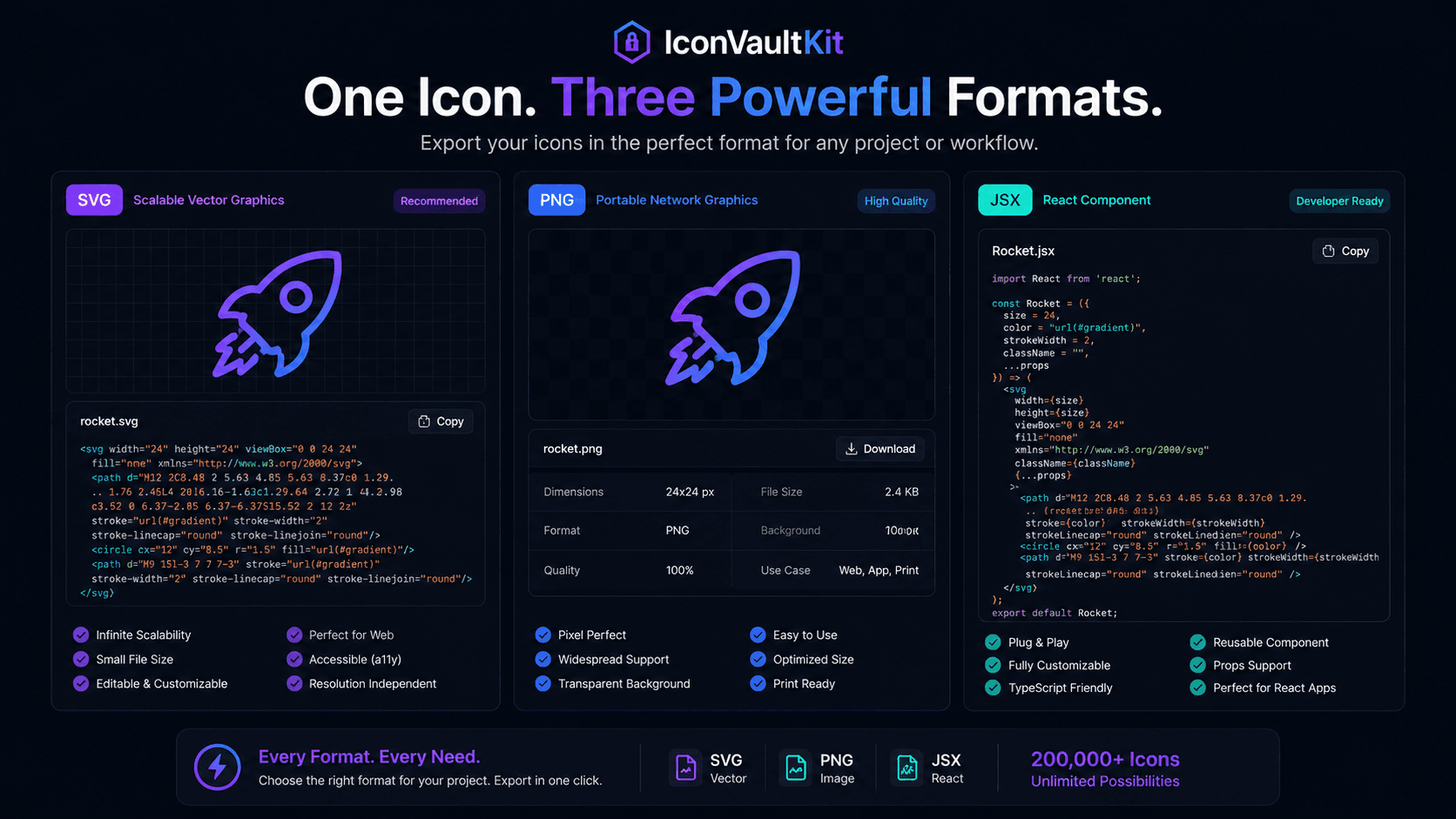
One Icon, Three Lives
Here's something worth experiencing: take any icon in IconVaultKit, and export it three times - as SVG, PNG, and JSX. Three fundamentally different files. Three different use cases. One starting point.
This multi-format flexibility is one of IconVaultKit's most practical advantages for development teams.
Format 1: SVG
The SVG export produces clean XML markup describing the icon as vector paths:
<svg xmlns="http://www.w3.org/2000/svg" viewBox="0 0 24 24">
  <path d="..." />
</svg>
Use this for: direct web embedding, CSS background images, animation, any context requiring infinite scalability.
Format 2: PNG
The PNG export produces a raster image at your specified pixel size. It's the universal fallback - every platform, every email client, every browser supports PNG.
Use this for: email templates, app store assets, social media thumbnails, open graph images.
Format 3: JSX
The JSX export produces a React functional component:
const BellIcon = (props) => (
  <svg viewBox="0 0 24 24" {...props}>
    <path d="..." />
  </svg>
);
Use this for: React/Next.js applications, component-driven design systems, anywhere you need prop-driven icon control.
The Switching Loop in Practice
A typical project uses all three formats:
- SVG for the marketing website header icons
- JSX for the React application UI icons
- PNG for the email newsletter icon accents
With IconVaultKit, switching between formats takes one click. Customize once; export in whichever format the current context requires.
Developer Insight: Some teams keep both SVG and JSX exports - SVG for static pages and emails, JSX for the React app. IconVaultKit makes maintaining both trivially easy.
The Base64 Option (The Fourth Life)
And if you want a fourth: Base64 converts your SVG into an embeddable text string for CSS and HTML inline use. All four formats, all from the same icon, all in the same tool.
Conclusion
Flexibility in format is flexibility in deployment. Whatever your project requires, IconVaultKit's icon is ready - in the format that serves you best. Switch seamlessly. Build confidently.