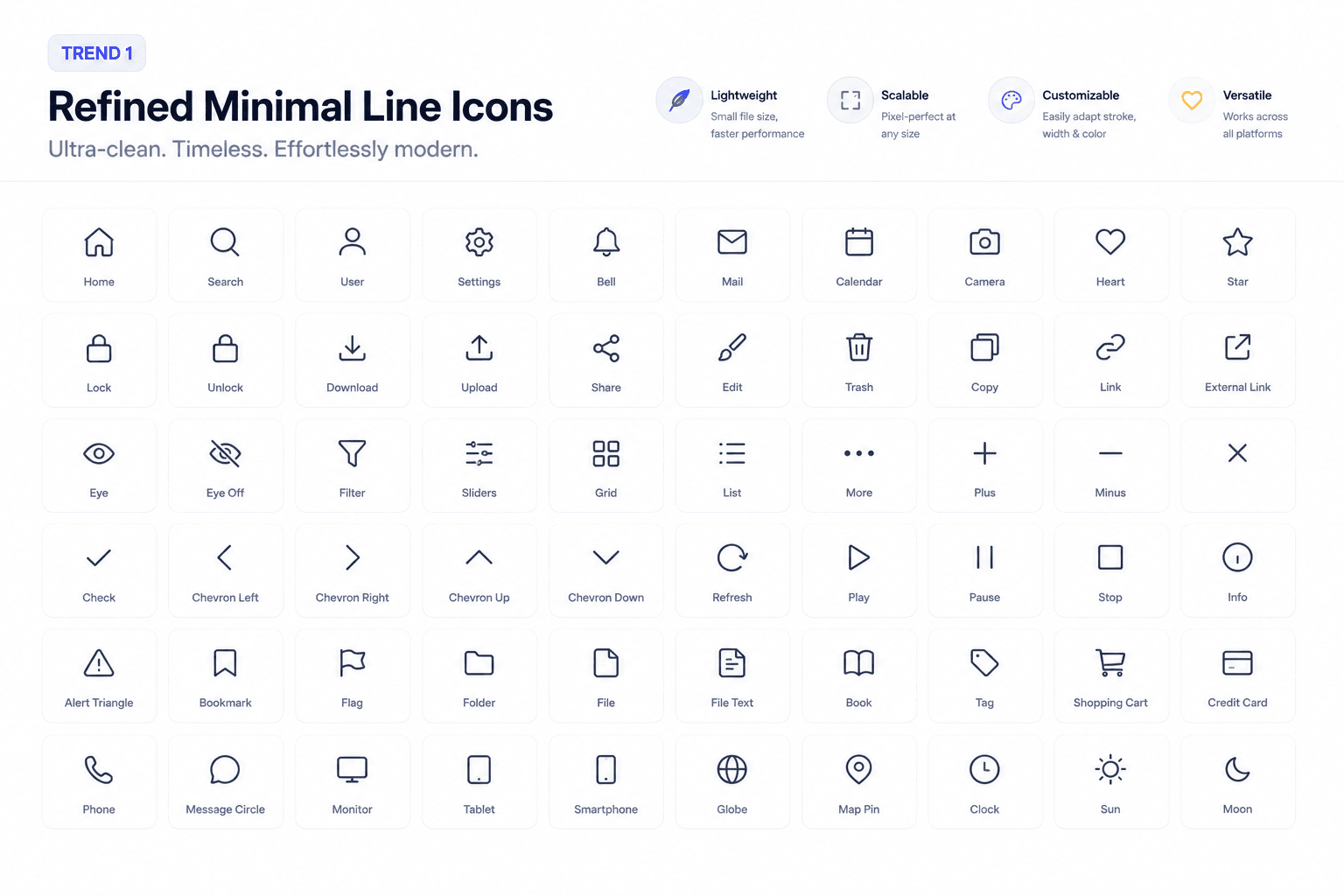
Trend 1: Refined Line Icons (Ultra-Clean Minimalism)
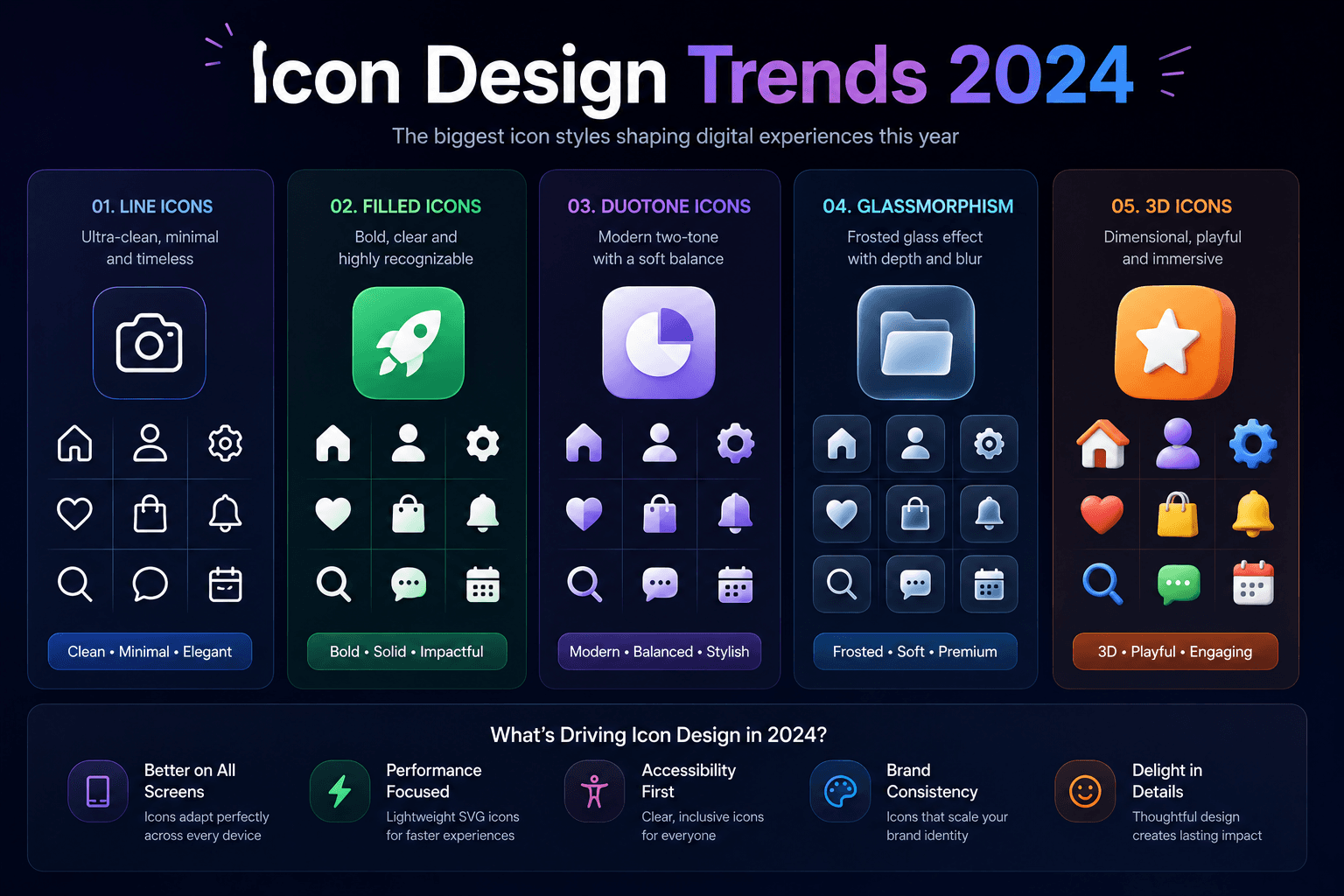
Line icons have dominated UI design for years, but 2024 is seeing a refinement: thinner strokes, more breathing room, and ultra-precise proportions. The result is icons that feel sophisticated and premium without being heavy or distracting.
This aesthetic is particularly popular in B2B SaaS, productivity tools, and premium consumer apps where a clean, professional feel is paramount.
How IconVaultKit helps: Browse the Feather Icons, Heroicons, and Lucide collections - all beautifully refined line icon sets with thousands of options.
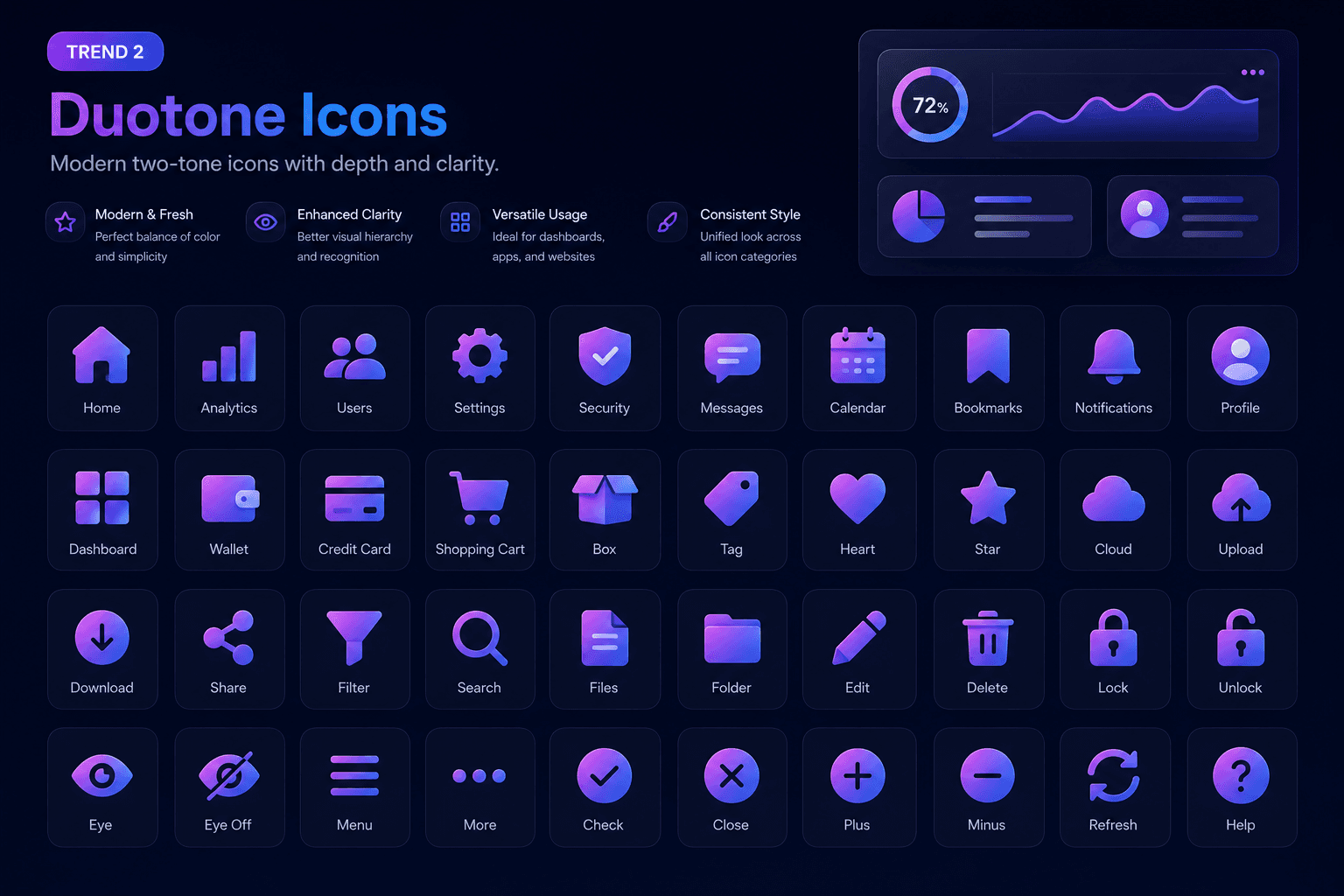
Trend 2: Duotone & Two-Tone Icons
Duotone icons - which use two tonal values of the same (or complementary) colors - have been popularized by tools like Spotify and Linear. They add visual depth while maintaining icon readability, and they work especially well in dark-mode interfaces.
The technique gives icons a premium, modern feel without the visual complexity of full color illustrations.
How IconVaultKit helps: Use the Phosphor Icons collection, which natively includes a 'Duotone' style variant. Customize the primary and secondary colors to match your brand palette.
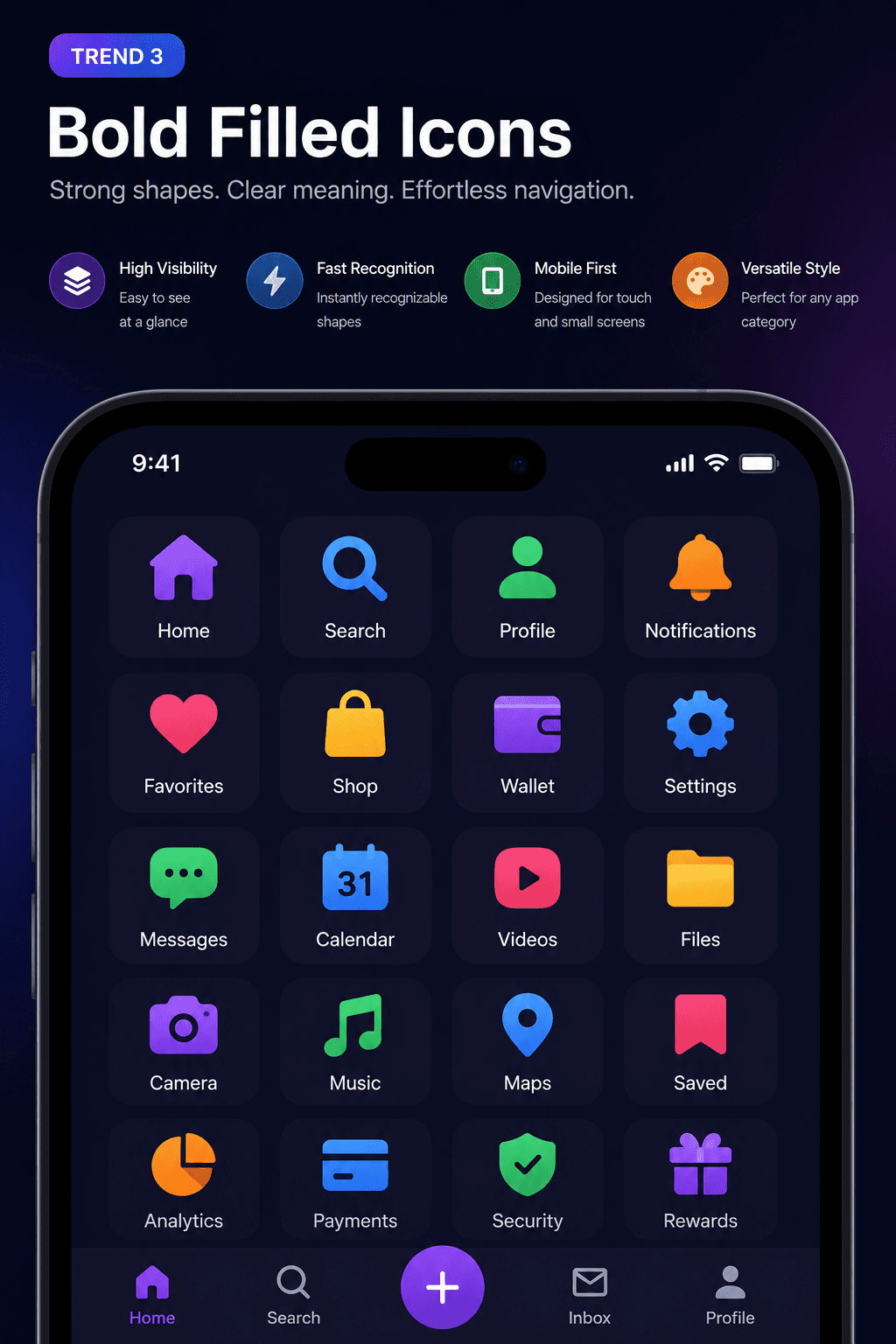
Trend 3: Bold Filled Icons for Mobile UIs
On mobile, clarity is paramount. Filled icons - solid shapes rather than outlines - score better on recognizability at small sizes and in noisy visual environments. In 2024, we're seeing a resurgence of bold filled icons in mobile navigation, onboarding flows, and tab bars.
The key is pairing bold fills with restrained color choices - often just one or two brand colors - so the icons feel cohesive rather than garish.
How IconVaultKit helps: Material Design Icons, Bootstrap Icons, and Remix Icons all feature excellent filled/solid variants. Use the style filter to find them.
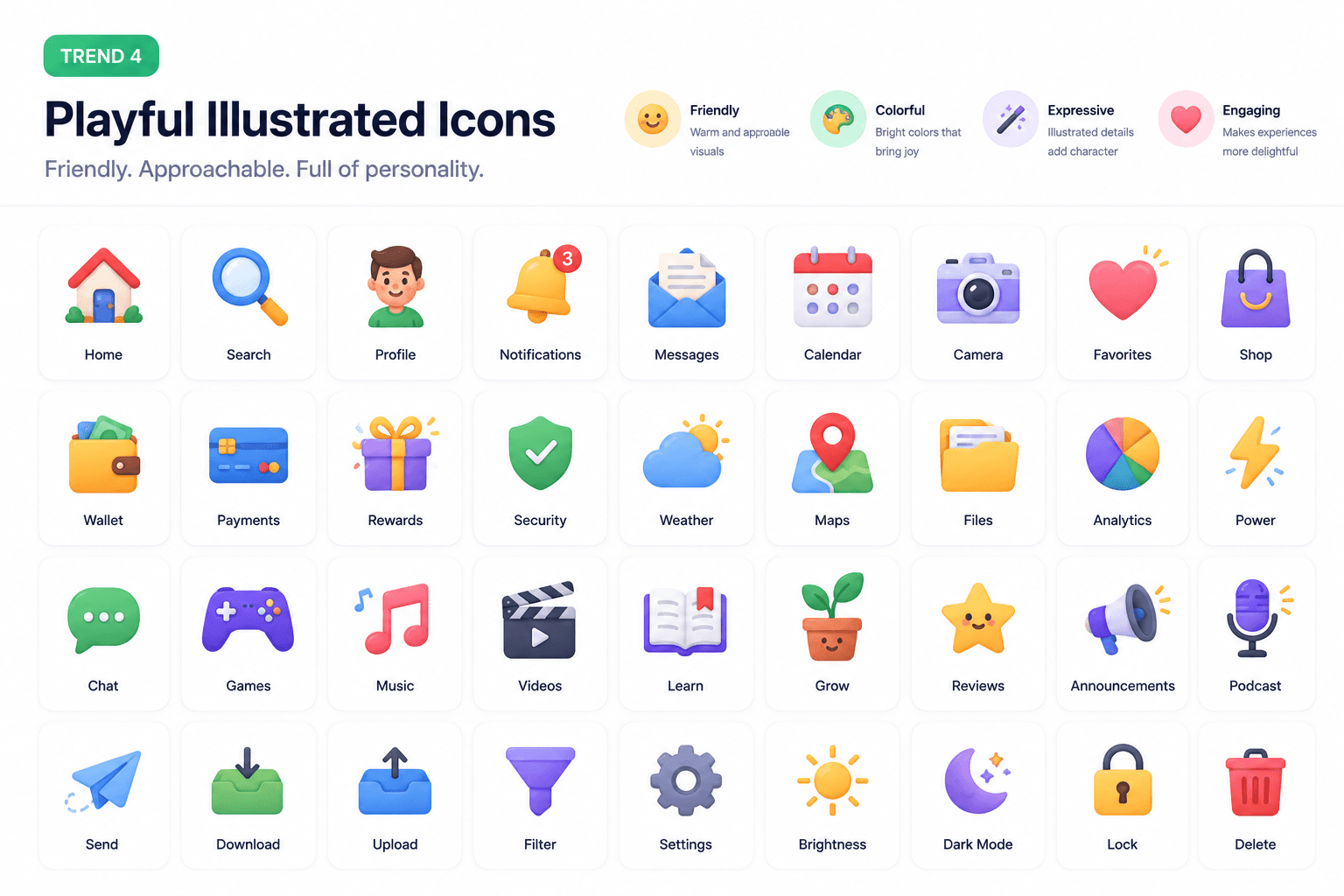
Trend 4: Illustrated / Playful Icons
Not every product wants to feel corporate. 2024 is seeing a strong wave of illustrated, slightly playful icon styles - icons with a handcrafted feel, personality, and warmth. Consumer apps, wellness platforms, and education tools are leading this movement.
These icons often use rounded corners, slightly imperfect geometry, and warm colors to create an approachable, human feel.
How IconVaultKit helps: Browse collections like Iconoir and Tabler Icons for rounded, friendly styles. Then apply warm brand colors through IconVaultKit's real-time customizer.
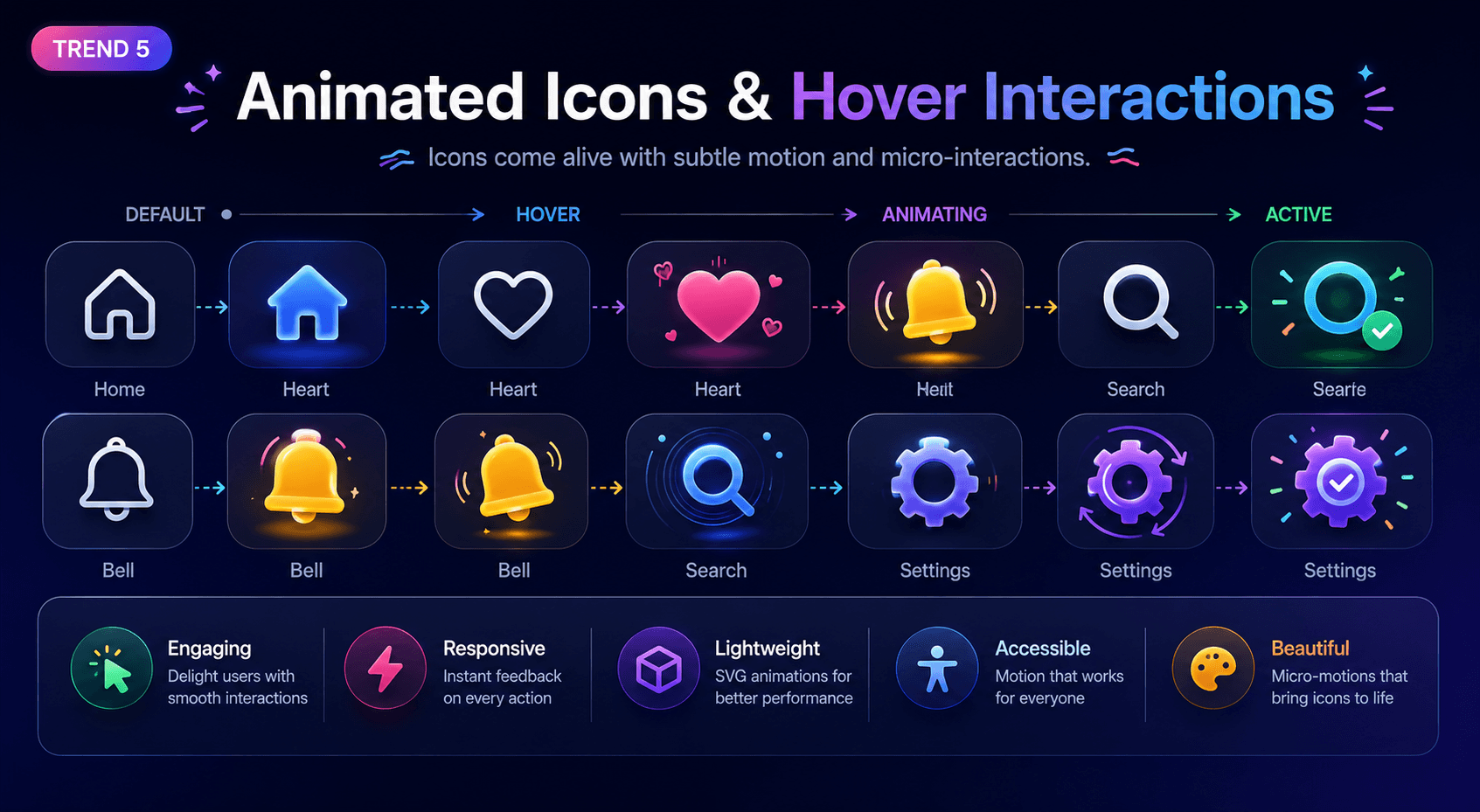
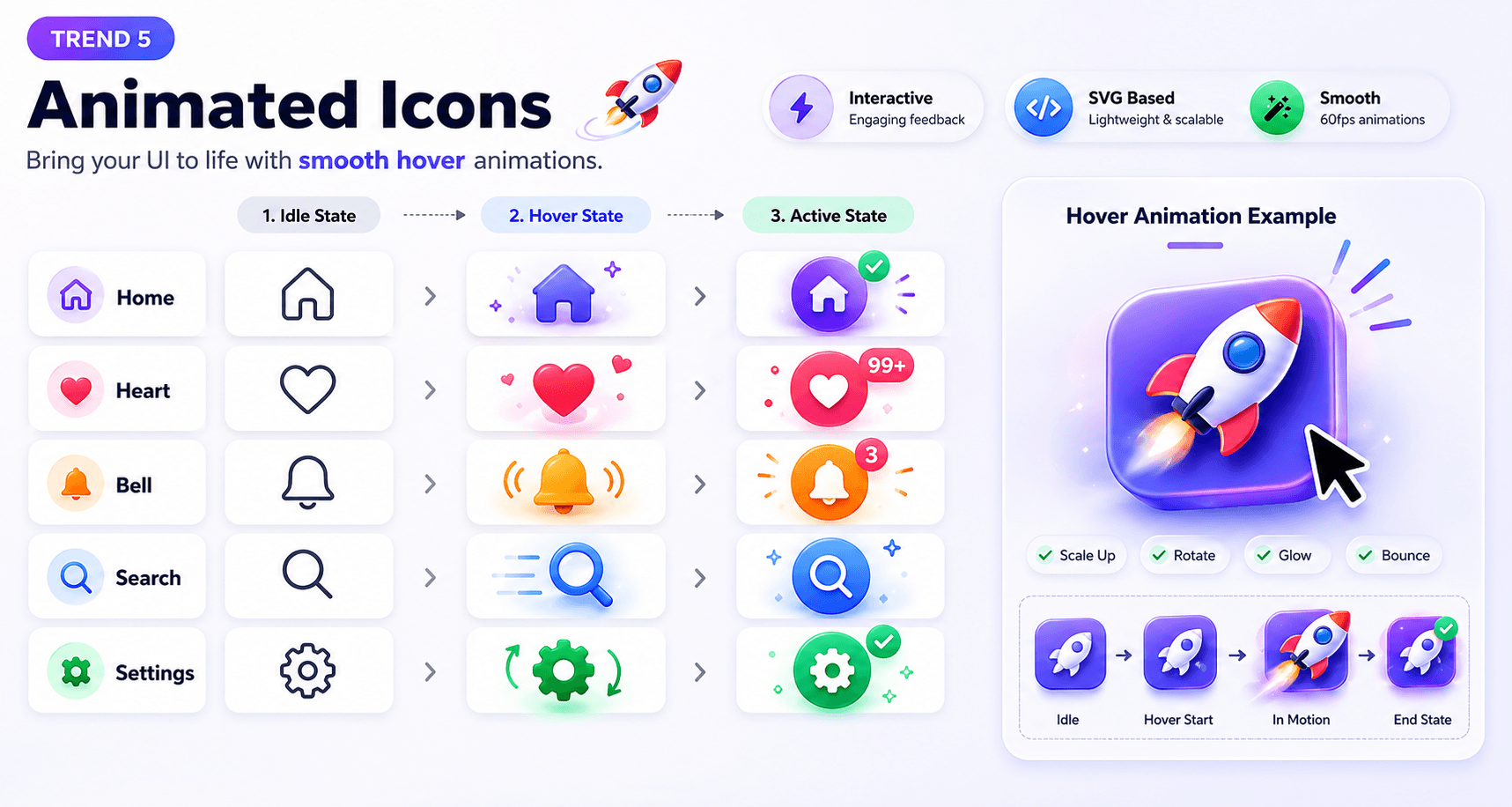
Trend 5: Functional Micro-Animation Ready Icons
Static icons are giving way to animated ones - subtle hover states, loading transitions, and interactive feedback animations that make interfaces feel alive. In 2024, the best icon sets are designed with animation in mind: clean SVG paths, logical layer organization, and simple shapes that are easy to animate with CSS or Lottie.
This doesn't mean every icon needs to animate - but selecting icons with animation-friendly SVG structure future-proofs your design system.
How IconVaultKit helps: Every icon exported from IconVaultKit comes as clean SVG with well-structured paths - ready for CSS transitions, JavaScript animation, or Lottie rendering.
Bringing Trends Together: A Consistent Icon System
The most important principle when implementing any of these trends: consistency. Mixed icon styles within a single project create visual noise and feel unprofessional. Choose one style family and stick with it throughout your project.
IconVaultKit's collection-browse feature makes this easy - you can filter to a single icon library and find everything you need within that unified visual style.
Conclusion
Icon design in 2024 is richer and more varied than ever, offering distinct aesthetics for every product personality - from ultra-minimal SaaS to warm, playful consumer apps. IconVaultKit's vast library ensures you can find icons that match whichever trend fits your project best.
Stay ahead. Explore trends. Ship with style - all from IconVaultKit.