Why Branding Matters for Web Projects
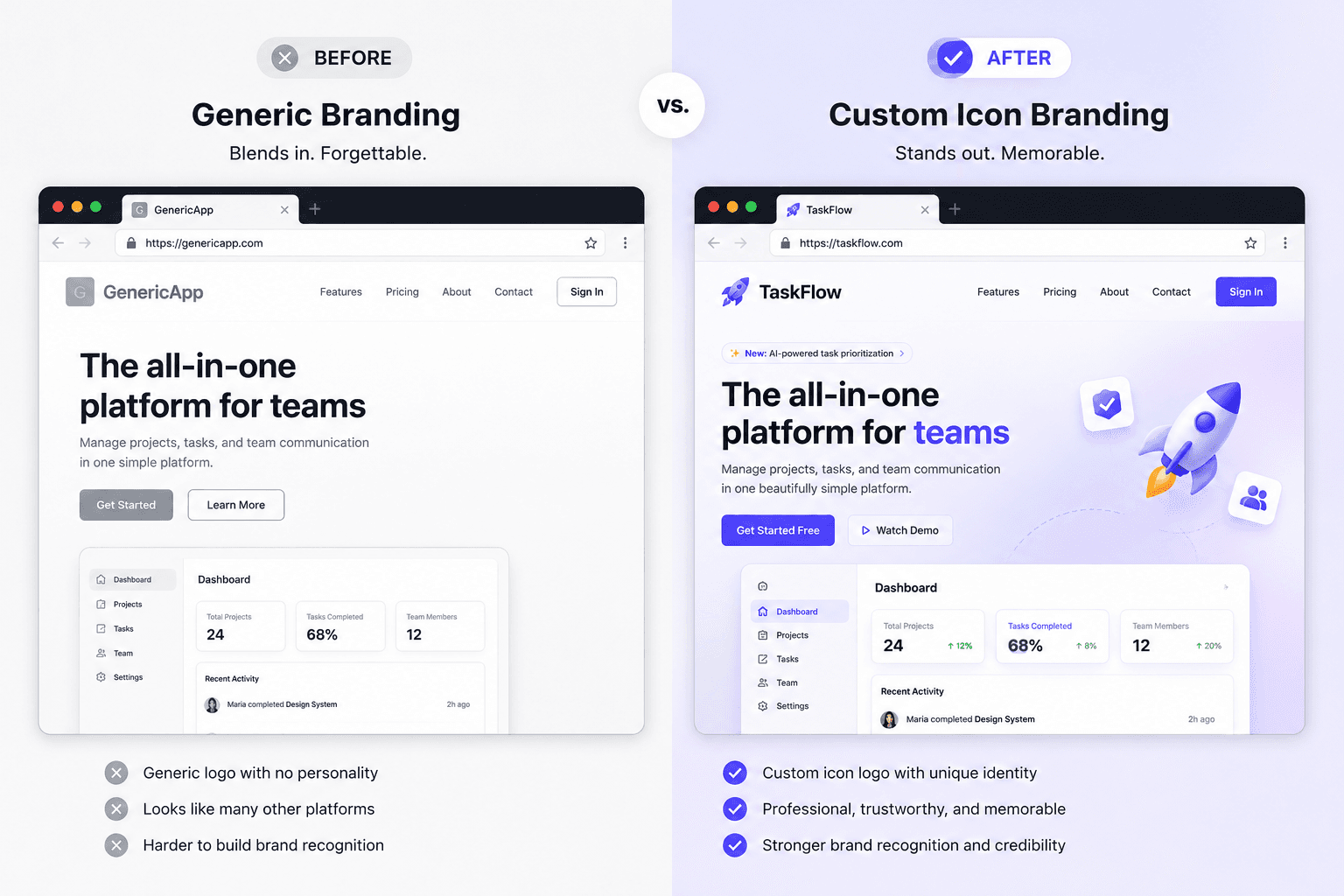
Strong branding isn't just about aesthetics - it communicates trust, professionalism, and purpose instantly. Studies consistently show that users form visual impressions of a website within milliseconds. A polished logo signals to visitors that your project is legitimate and worth their time.
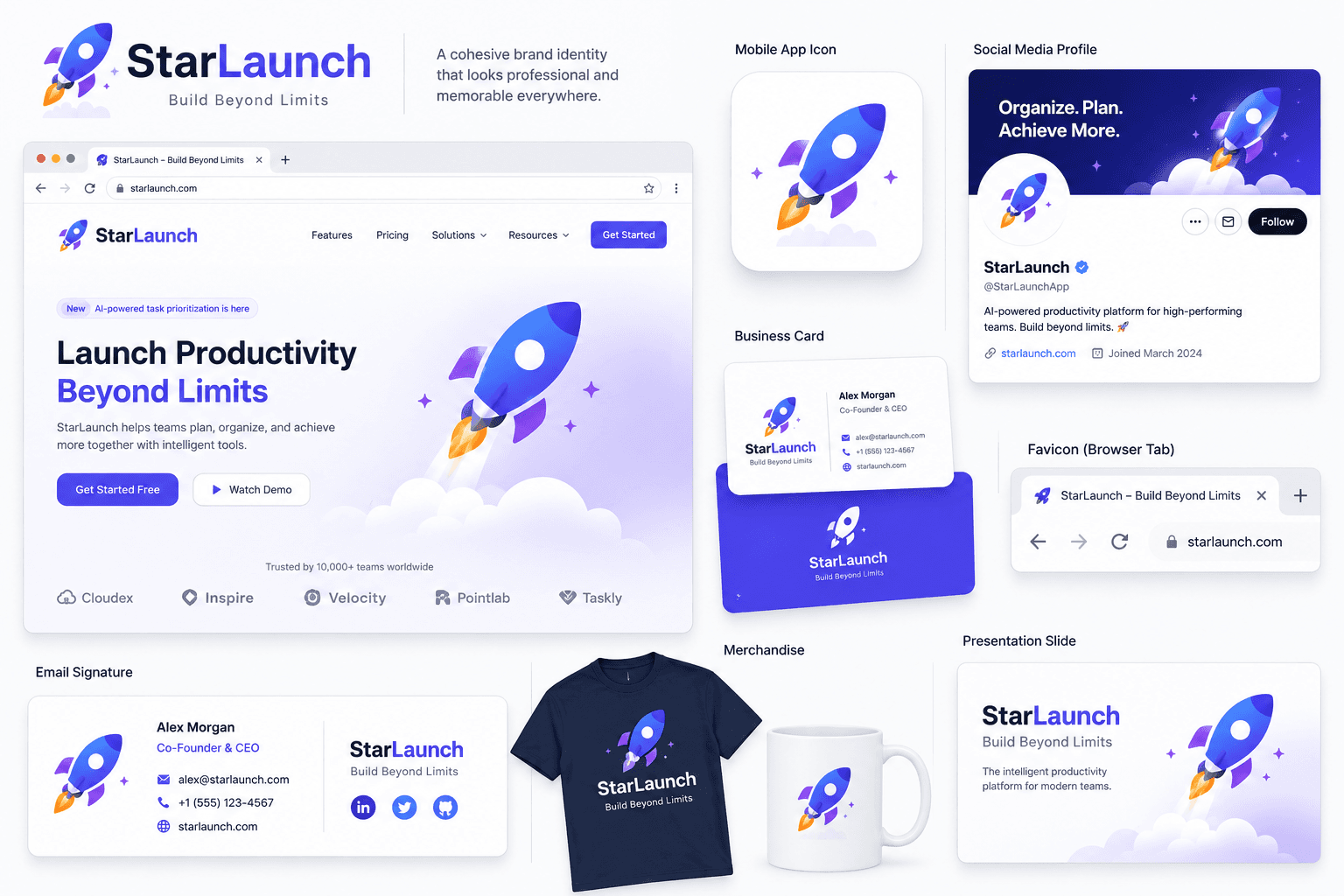
For web projects specifically, consistent branding across your favicon, header, social thumbnails, and marketing materials creates a cohesive experience that makes your work memorable.
Getting Started with IconVaultKit's Logo Maker
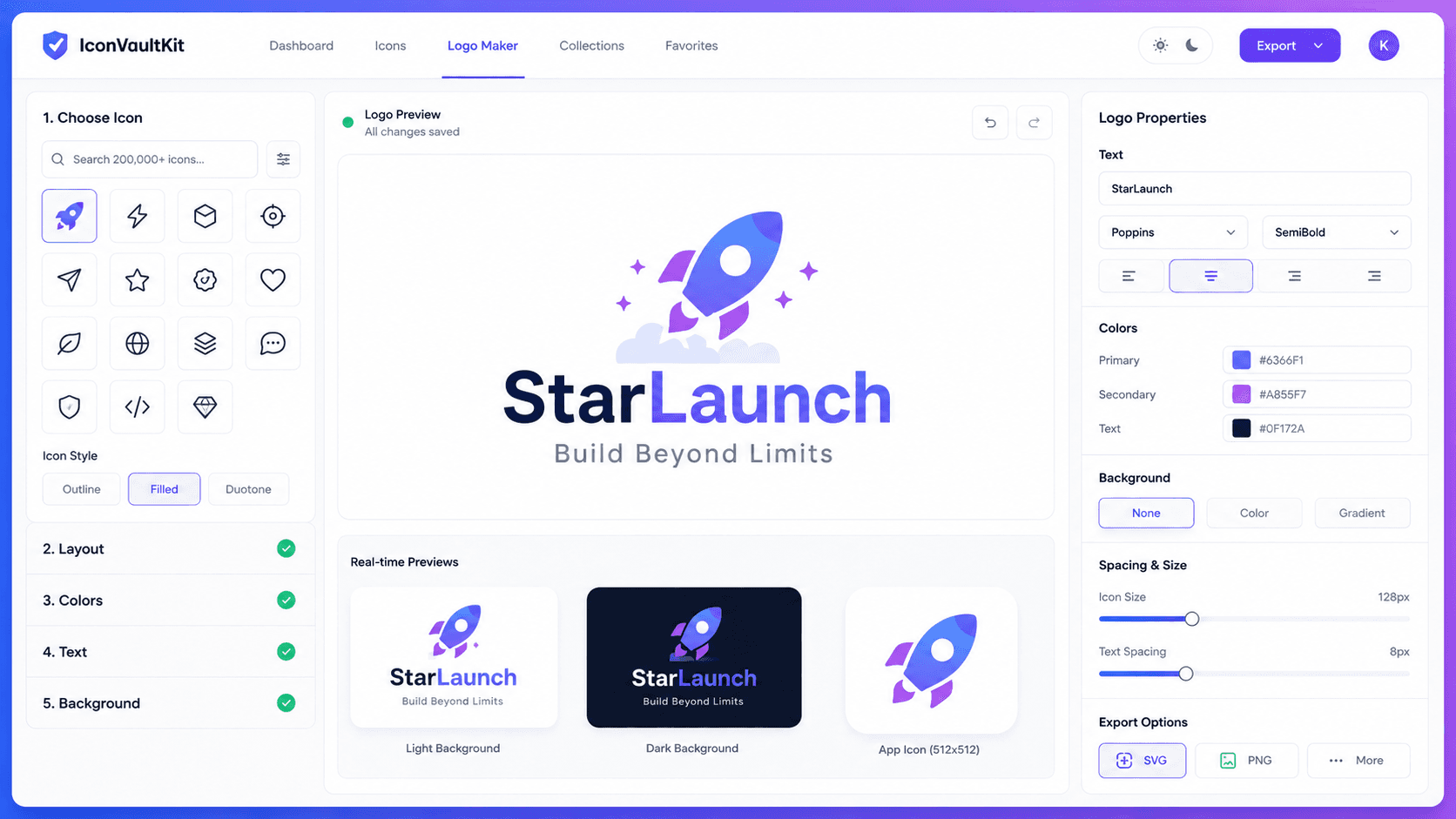
The logo maker is accessible directly on IconVaultKit - no account required for basic use. Here's how to begin:
- Navigate to IconVaultKit and click 'Logo Maker' from the top navigation.
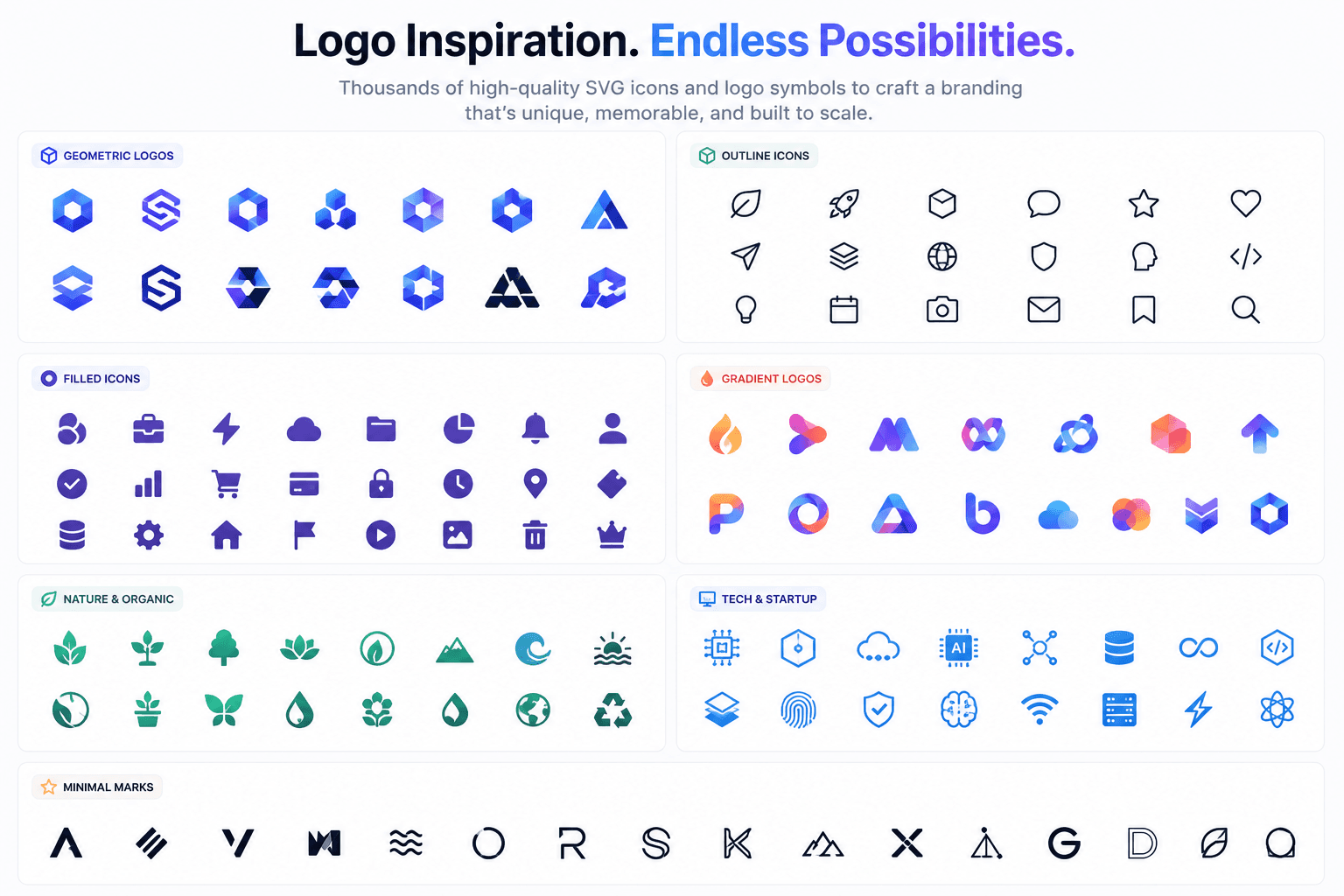
- Use the icon search bar to find an icon that represents your project's core concept.
- Choose your layout: icon only, icon + text, or stacked arrangement.
- Select your color scheme - use your brand's hex codes or explore the built-in palettes.
- Adjust sizing, spacing, and font style for the text component.
- Preview your logo in light and dark backgrounds.
- Export as SVG for scalability or PNG for immediate use.
Choosing the Right Icon as Your Logo Base
The icon you choose sets the entire visual tone of your brand. Consider these principles when selecting:
- Simplicity wins - icons with clean lines reproduce well at any size, including tiny favicons.
- Choose meaning over aesthetics - pick an icon that semantically relates to your project's purpose.
- Test at small sizes - your logo needs to work as a 16x16 favicon and a 500px header image.
- Consider uniqueness - common icons (like a generic gear or house) look less distinctive than niche or combined options.
Color Customization: Making It Yours
IconVaultKit lets you modify every color component of your logo in real time. This is where your brand personality really comes through:
- Primary color: Should align with your brand palette (if you have one) or the emotion you want to evoke - blue for trust, green for growth, purple for creativity.
- Background: Choose transparent for versatility, or a solid/gradient background for a badge-style logo.
- Text color: Ensure sufficient contrast ratios for accessibility (aim for 4.5:1 contrast minimum).
Pro Tip: Save your brand's hex color codes in IconVaultKit's custom color presets so you can instantly apply them to any icon or logo element without re-entering them each time.
Typography in Your Logo
If you're using icon + text layout, font choice dramatically affects your brand's personality:
- Sans-serif fonts (like Inter or Poppins) feel modern, clean, and tech-forward - great for apps and SaaS.
- Bold display fonts feel strong and memorable - ideal for bold product brands.
- Script or handwritten fonts feel approachable and personal - good for creative services.
Keep your logo wordmark to 1-2 words whenever possible. Shorter is always more iconic.
Export Options for Every Use Case
Once your logo looks perfect, export it in the right format:
- SVG: Perfect for websites, apps, and any context where you need infinite scalability. Always your first choice.
- PNG: Use for social media profiles, email signatures, and anywhere SVG isn't supported.
- Base64: Embed directly into HTML/CSS without a separate file request - ideal for performance-critical projects.
Real-World Use Cases
Here's how different project types use IconVaultKit's logo maker most effectively:
- SaaS products: Create a minimal icon-only logo for the app header, plus a full icon+text version for the landing page.
- Open source projects: Craft a memorable mark that works in GitHub READMEs (PNG) and documentation sites (SVG).
- Client freelance work: Generate a logo concept in minutes to present to clients before committing to full brand development.
- Personal portfolio: Create a personal monogram or icon-based mark that represents your specialty.
Tips for a Professional Result
- Less is more - don't combine too many colors or elements.
- Leave breathing room - generous padding around your icon looks more premium.
- Test in context - drop your logo into a browser mockup to see how it looks on an actual website.
- Get feedback - share a quick screenshot with colleagues before finalizing.
- Iterate - save multiple versions and compare them side by side.
Conclusion
IconVaultKit's logo maker removes every barrier between you and professional-quality branding. With access to thousands of icons, flexible color customization, and multiple export formats - all free - there's no reason to launch your next web project without a logo you're genuinely proud of.
Start exploring IconVaultKit today, and give your web project the brand identity it deserves.