
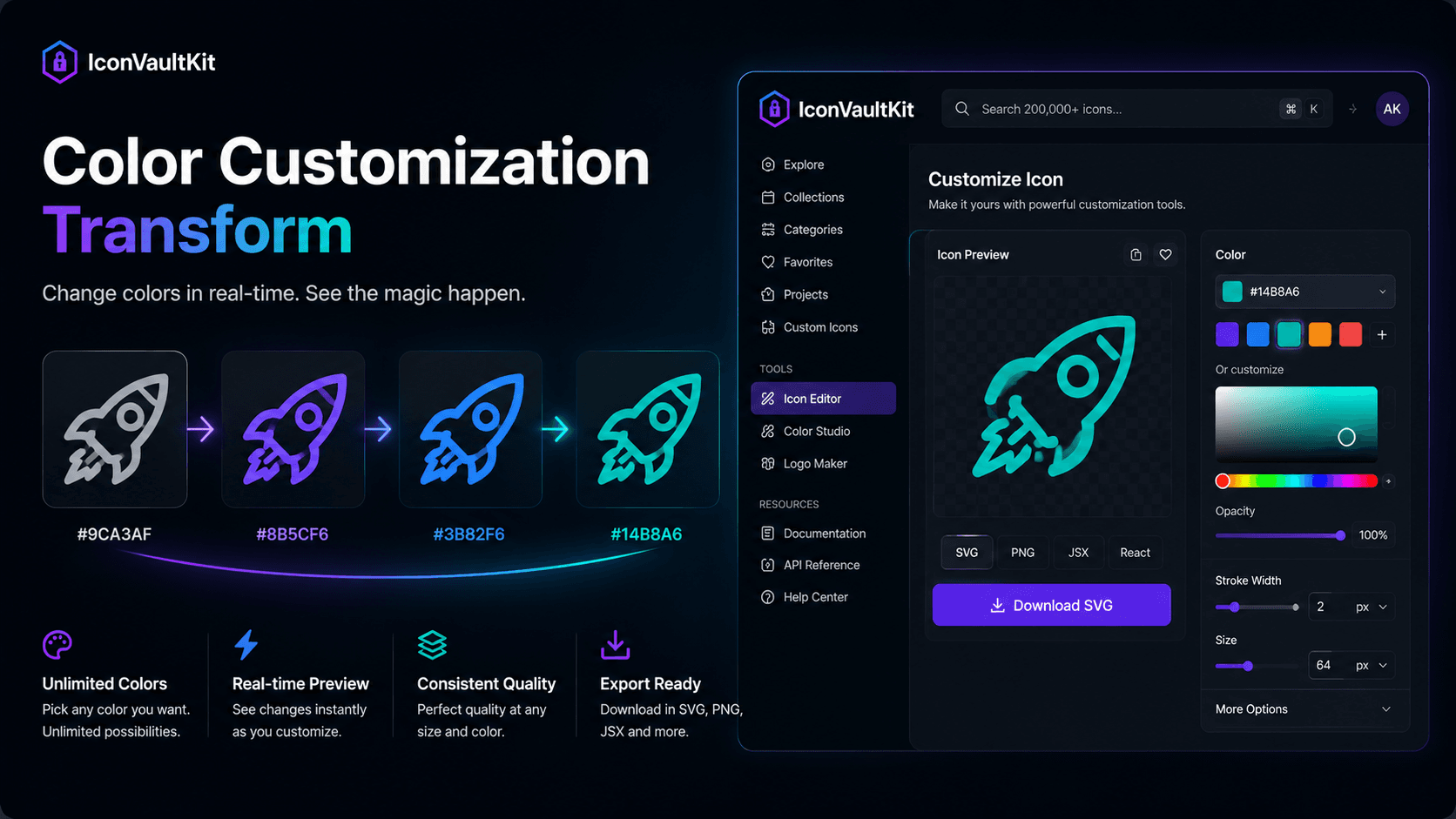
The Satisfying Loop
There's a specific kind of design satisfaction that comes from real-time visual feedback. You move a slider. The color shifts. The icon transforms. Your brain confirms: yes, that's the one.
IconVaultKit's instant color customization delivers exactly this experience - and it's more useful than it sounds.
How It Works
The color customization in IconVaultKit is pure frontend magic:
- Click the color picker on any icon
- Enter a hex code or drag the color selector
- The icon updates in real time - no loading, no delay
- See exactly how your icon will look before downloading anything
Why Real-Time Preview Matters
Pre-download customization eliminates a frustrating cycle that most designers know well:
- Download icon
- Open in design tool
- Recolor
- Realize it's not quite right
- Repeat
With IconVaultKit's live preview, you see the result before any download happens. You iterate in seconds, not minutes.
The Color Psychology of Icon Selection
Color transforms an icon's feeling entirely:
- The same arrow icon in gray reads as 'disabled'
- In blue, it reads as 'clickable action'
- In green, it reads as 'success/confirm'
- In red, it reads as 'delete/danger'
Real-time customization lets you test these readings instantly - ensuring your icons communicate exactly the right meaning in context.
Designer's Delight: Try taking one icon and cycling it through your full brand palette in IconVaultKit. Watching the same shape shift personality with each color change is genuinely satisfying - and creatively illuminating.
Conclusion
Good tools make good work feel effortless. IconVaultKit's instant color customization is one of those features that, once you use it, you can't imagine going back to any other way. Try it and feel the difference.