The Export Loop
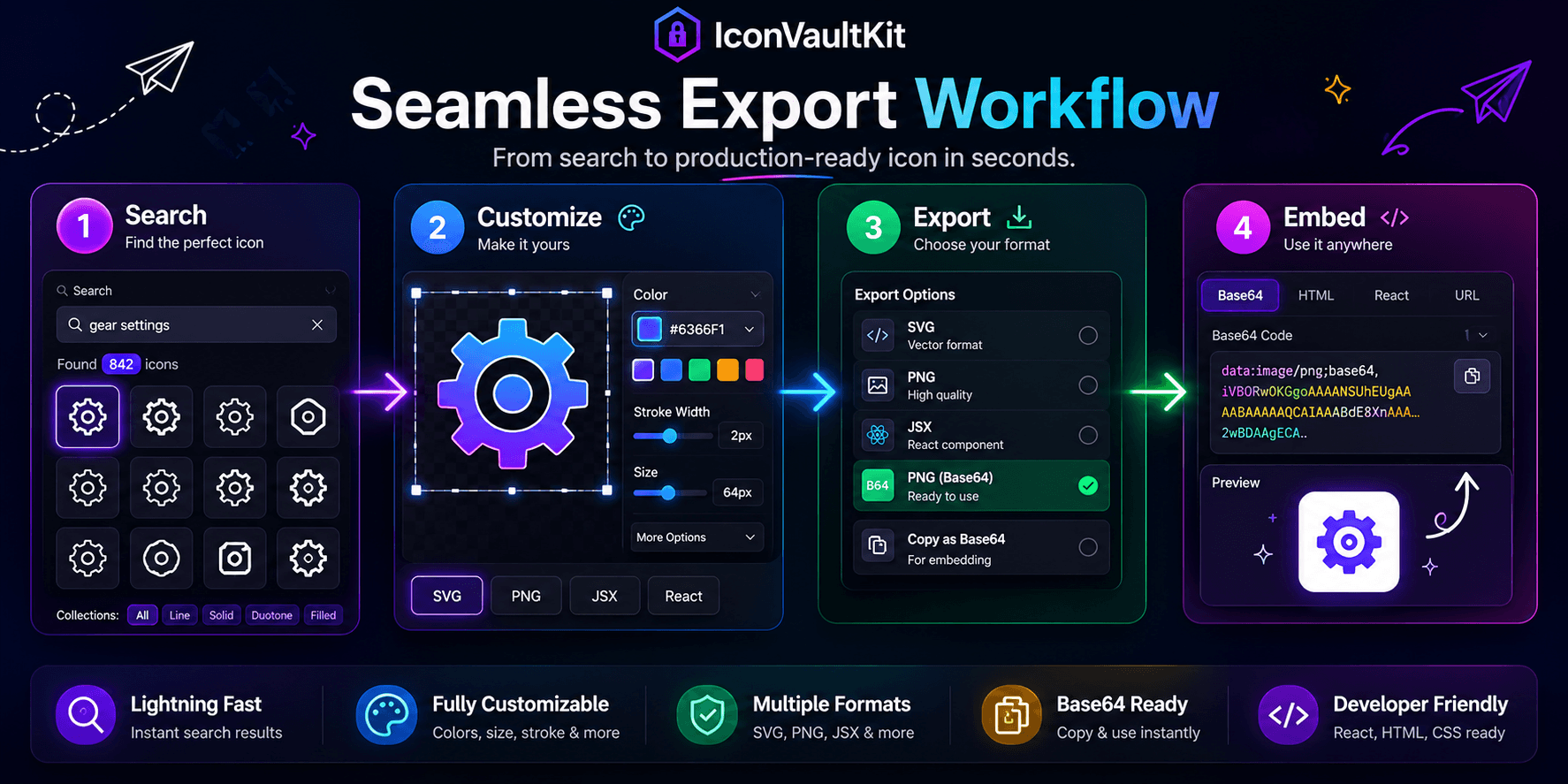
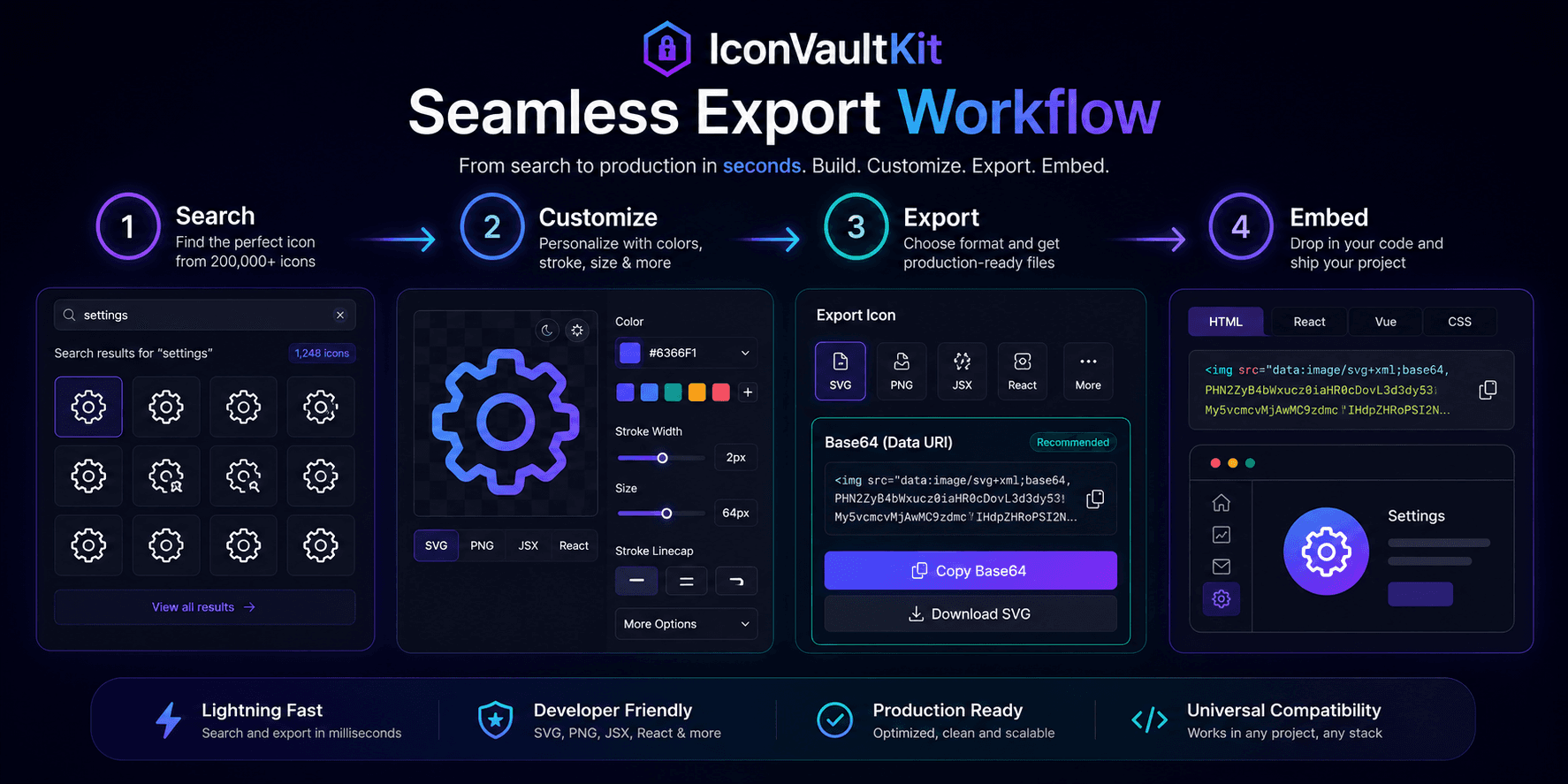
There's a simple, satisfying loop at the heart of IconVaultKit's workflow: find, customize, export, use. When each step flows into the next without friction, the result feels almost effortless. Let's walk through the Base64 version of this loop.
Step 1: Find
Search for your icon. Let's say you need a 'bell' icon for a notification component. Type 'bell.' Browse the results. You spot the Heroicons bell - clean, minimal, exactly what the design calls for.
Step 2: Customize
Click it. The customization panel opens:
- Color: Apply your brand's primary hex via saved preset
- Size: Set to 20px - perfect for your nav bar
- Style: The icon updates in real time as you adjust
Ten seconds of customization, and your icon looks exactly right.
Step 3: Export as Base64
Click the 'Base64' export option. A data URI string appears - the complete encoded representation of your icon. Click 'Copy.'
Your clipboard now contains something like:
data:image/svg+xml;base64,PHN2ZyB4bWxucz0iaHR0cDovL...Step 4: Embed
Paste it into your CSS:
.notification-icon {
  background-image: url('[paste here]');
  background-size: 20px 20px;
}
Refresh your browser. The icon appears - instantly, with zero HTTP request.
The Whole Loop: Under 60 Seconds
From opening IconVaultKit to having a Base64 icon live in your CSS: under 60 seconds. That's the promise, and that's the reality.
Loop Benchmark: Traditional workflow (search, download, convert, encode, paste): ~8 minutes. IconVaultKit loop: under 60 seconds. Time saved per icon: ~7 minutes.
Conclusion
Seamless tools create seamless workflows. The IconVaultKit export loop - from customization to Base64 embed - is designed to disappear into your development process, so you can focus on building rather than tool management.